Your whole server, in one small panel.
Apps, databases and game servers on your own Linux server. It keeps itself up to date without stopping what runs on it.
One Go binary · about 50 MB · Debian or Ubuntu, amd64 or arm64 · Free for everyone

Push to GitHub. Zelie builds it, runs tests offline, and moves traffic over.
Deploying from GitHub, in detailGitHub, image or your own files
Builds from a Dockerfile or Railpack on push, tracks public container images, or runs Node, Python, Bun, Deno and Java files over SFTP.
Offline build tests
Node project tests run on every build with no network; any failure keeps the live release intact.
Zero-downtime swap & HTTPS
Apps with a domain (Let’s Encrypt or Cloudflare Tunnel) and no volumes start the new container beside the old one and switch after health checks, with live 1-minute metrics.
Instant rollback & OSV patching
The last five release images stay ready for two-second rollbacks, while vulnerable npm, pnpm or Yarn packages patch on a test branch or open a PR.
Next to the app that uses it, sealed off from public ports.
Database hosting, in detailPostgreSQL 18/17, MariaDB & Redis
Runs PostgreSQL 18 and 17, MariaDB 11.8 and 10.11, and Redis 8 in isolated containers and volumes with scheduled nightly backups.
Name-based app linking
Link any app or game server in one click to inject DATABASE_URL or REDIS_URL and reach the database by service name.
Read-only Data explorer
Browse tables, inspect rows or Redis keys, search, sort, and export CSV safely inside the browser without write risk.
Dump-and-restore major upgrades
Major jumps like PostgreSQL 17 to 18 dump cleanly into a fresh volume while keeping the old data until removed.
Your existing eggs, a full Players & RCON desk, and crash diagnostics.
Game servers, in detailPterodactyl & Pelican eggs
Ready-made eggs for 14 games, eight Minecraft builds among them, plus Rust, Valheim, Palworld and Counter-Strike 2. Any other egg imports by its link.
Players & RCON management
Live online metrics, 30-day session history, 7-day chat, timed or offline bans, plus whitelist and operator management even while stopped.
Crash diagnosis & config forms
Reads trailing logs on crash to pinpoint why a server stopped; server.properties and server.cfg open as structured forms.
Idle Steam updates, clone & SFTP
Checks Steam hourly and updates when nobody is playing, clones servers in one click, runs cron schedules, and isolates SFTP per server.
Group services by name, run portless game backends, and wire Velocity cleanly.
Minecraft network & Velocity helperService-to-service DNS
Apps, databases and game servers inside a network group reach each other by name, while everything outside stays blocked.
Portless game backends
Run game servers with zero public ports exposed to the internet, reachable only from trusted proxies inside the group.
Velocity & Paper helper
Writes the same forwarding secret and your chosen server list to the proxy and every Paper server at each start, and lists the servers that still need a restart.
Zero shared-bridge leaks
Every workload keeps its own isolated container bridge and strict nftables rules—no lateral port scanning across unrelated apps.
The part the internet reaches is not the part that runs as root.
Zelie runs as separate processes, each with its own user, and each can do only its own job.
- Internetweb traffic
- 80 / 443Proxyits own user, ports 80 and 443 only
- Unix socketPanelunprivileged, no network port
- Unix socketCoreroot, no network port, a few typed requests; the kernel says who is asking
Unprivileged web layer
Proxy (ports 80/443) and panel run without root privileges. Core exposes no network port and verifies every Unix-socket caller via Linux kernel credentials on a short, strictly typed API.
User-namespaced containers
Apps, databases and game servers run inside rootless user namespaces—UID 0 inside a container maps to an unprivileged host account.
Isolated by default
Every service owns its own container network. Databases bind zero public ports, and network groups stay strictly sealed to the outside world.
Sandboxed build cells
Builds execute inside dedicated user-namespaced containers; source trees unpack in separate mount-isolated containers and tests run offline.
One-way sealed secrets
Environment tokens, webhook URLs and keys are sealed on write—even the web panel cannot read secret values back out.
Daily CVE & govulncheck watch
All internet-facing parts belong to Zelie itself. Every release passes govulncheck, while a daily monitor tracks Go, containerd, runc and BuildKit security patches.
Built for day-two operations.
Details that stay quiet on day one and save hours when a deploy breaks, a server crashes, or a machine moves.
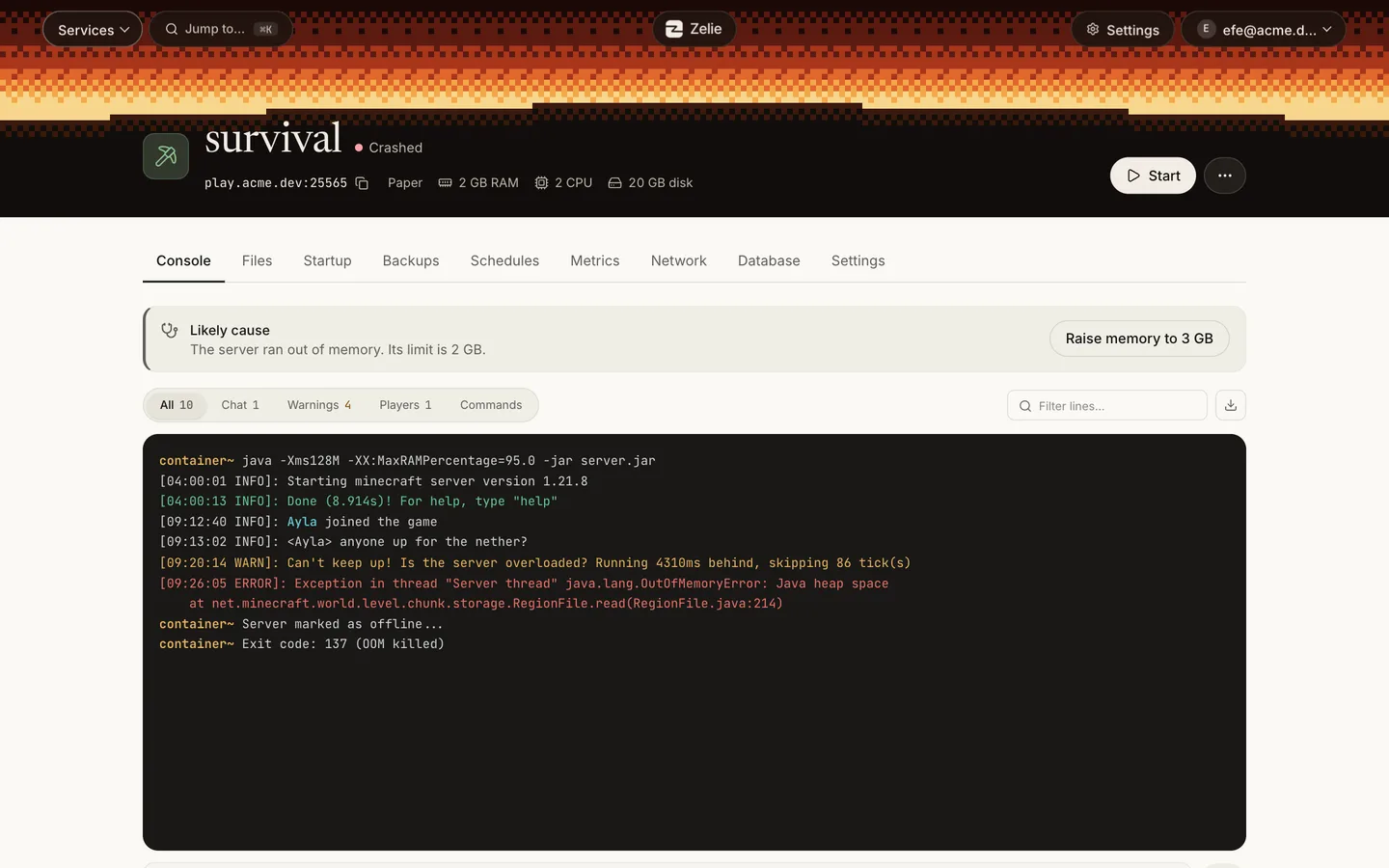
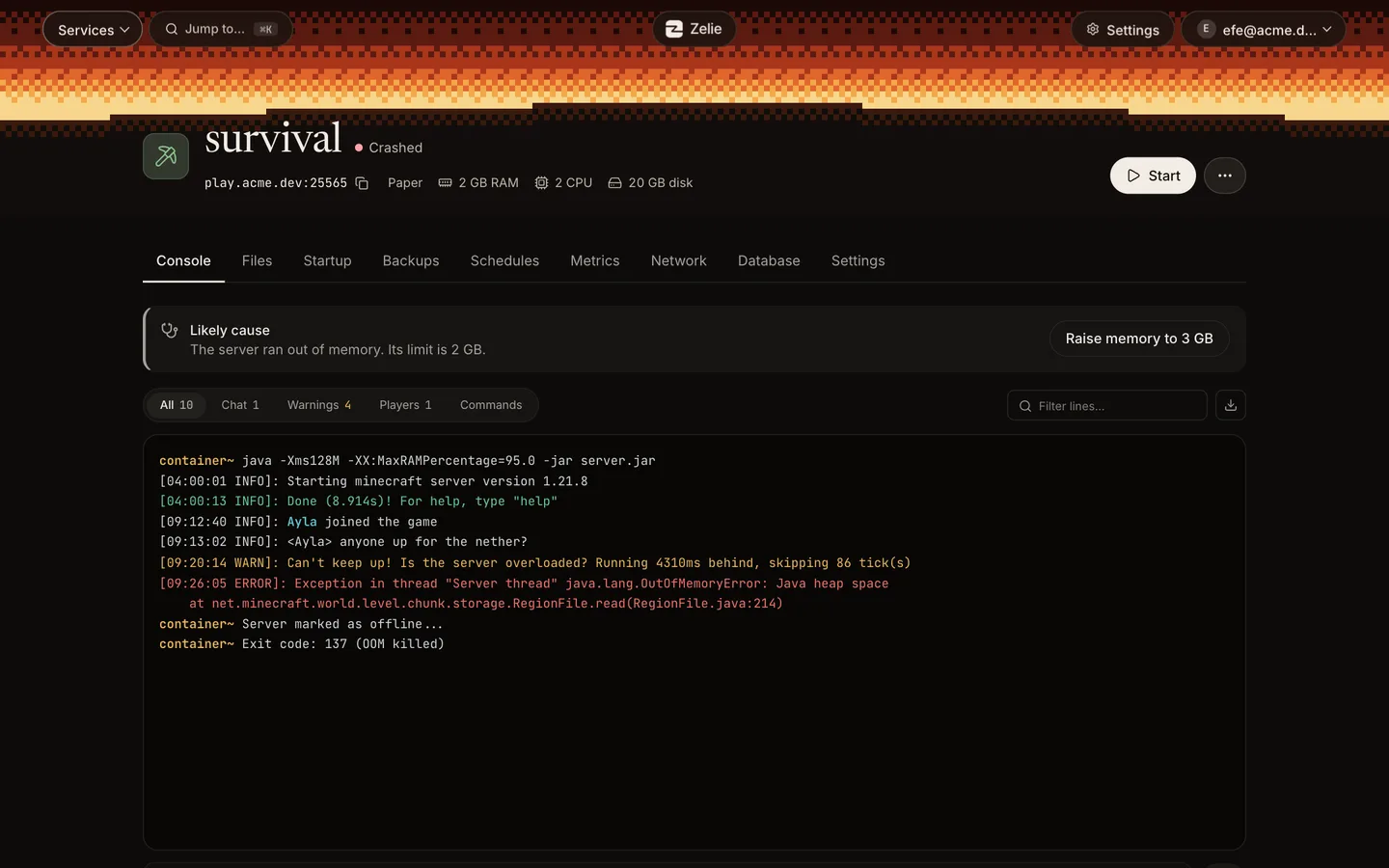
When a game server exits unexpectedly, Zelie inspects the trailing console output, highlights failing mods, memory limits or wrong Java runtimes, and explains the likely cause.
Game servers, in detail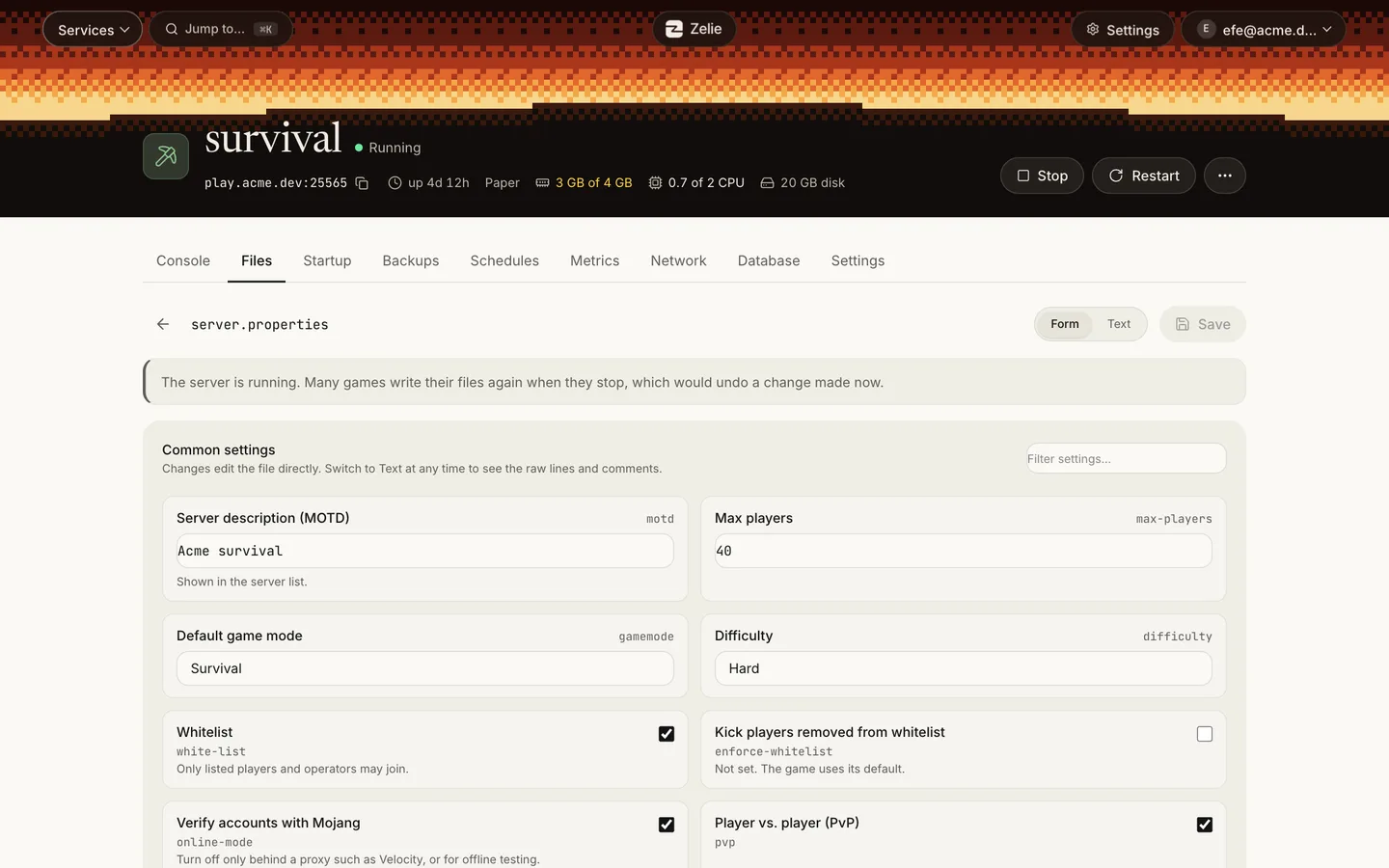
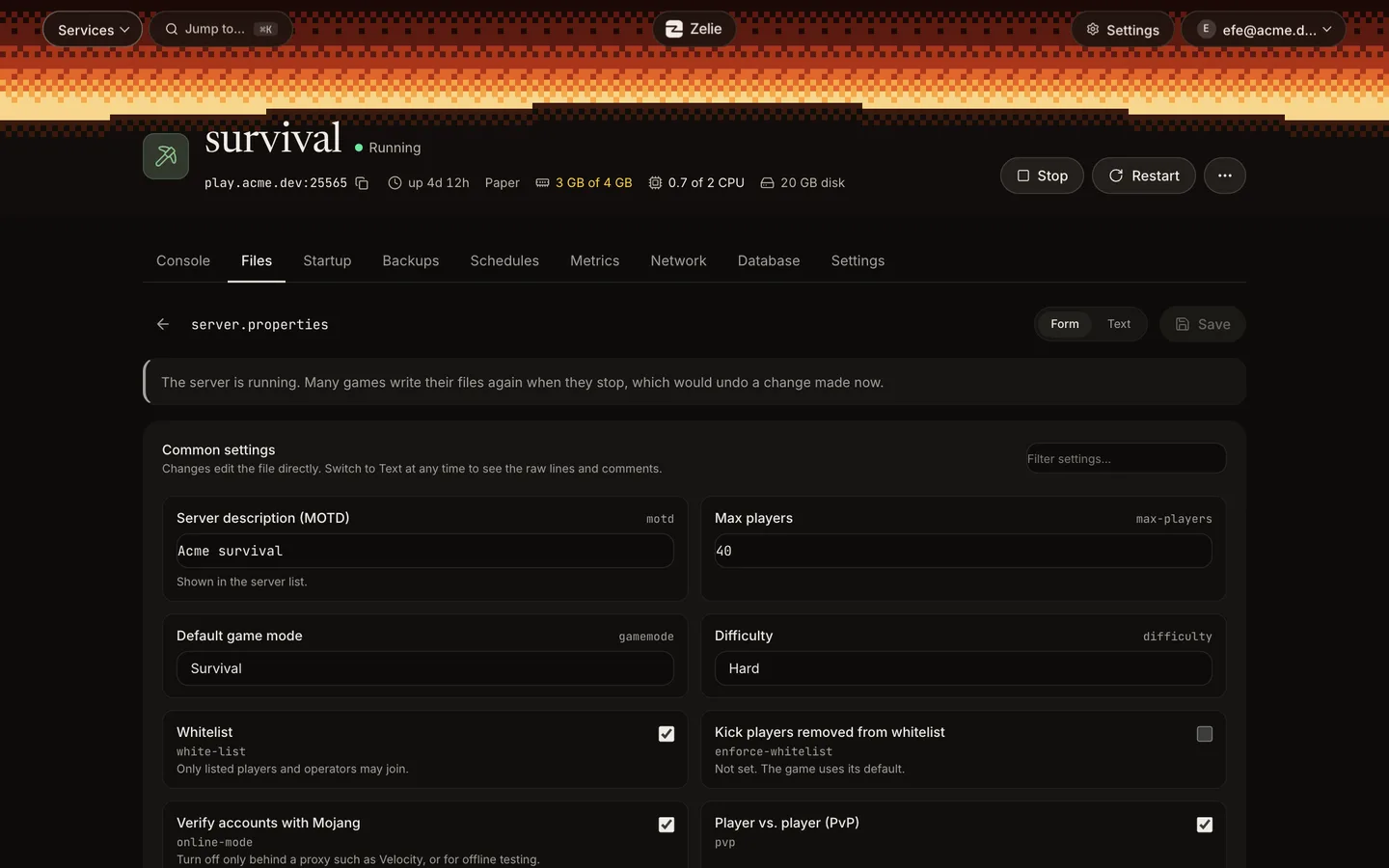
Key game configuration files open as clean typed forms with descriptions and safe defaults—while leaving comments and raw formatting intact when switched back to text mode.
Game server panel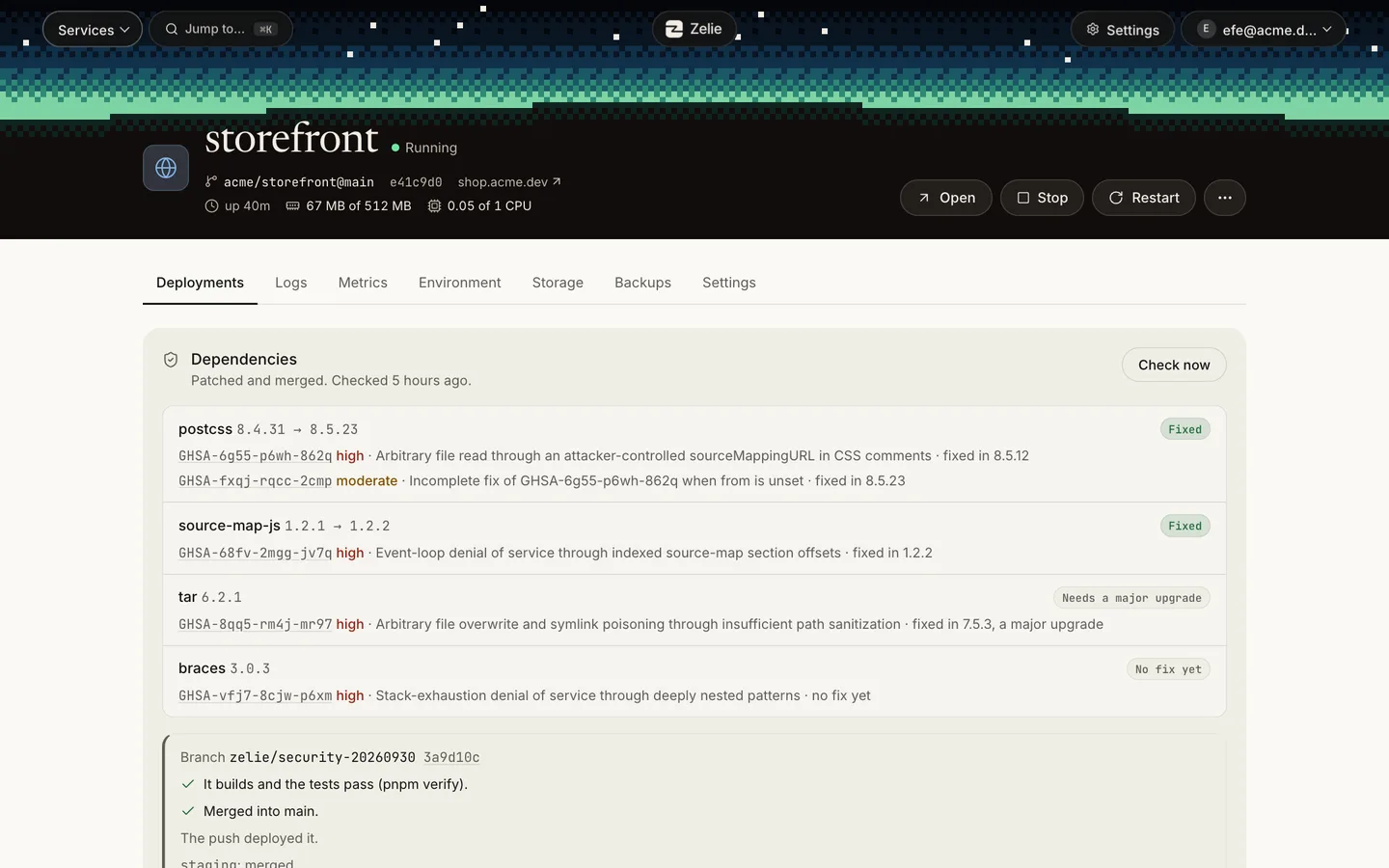
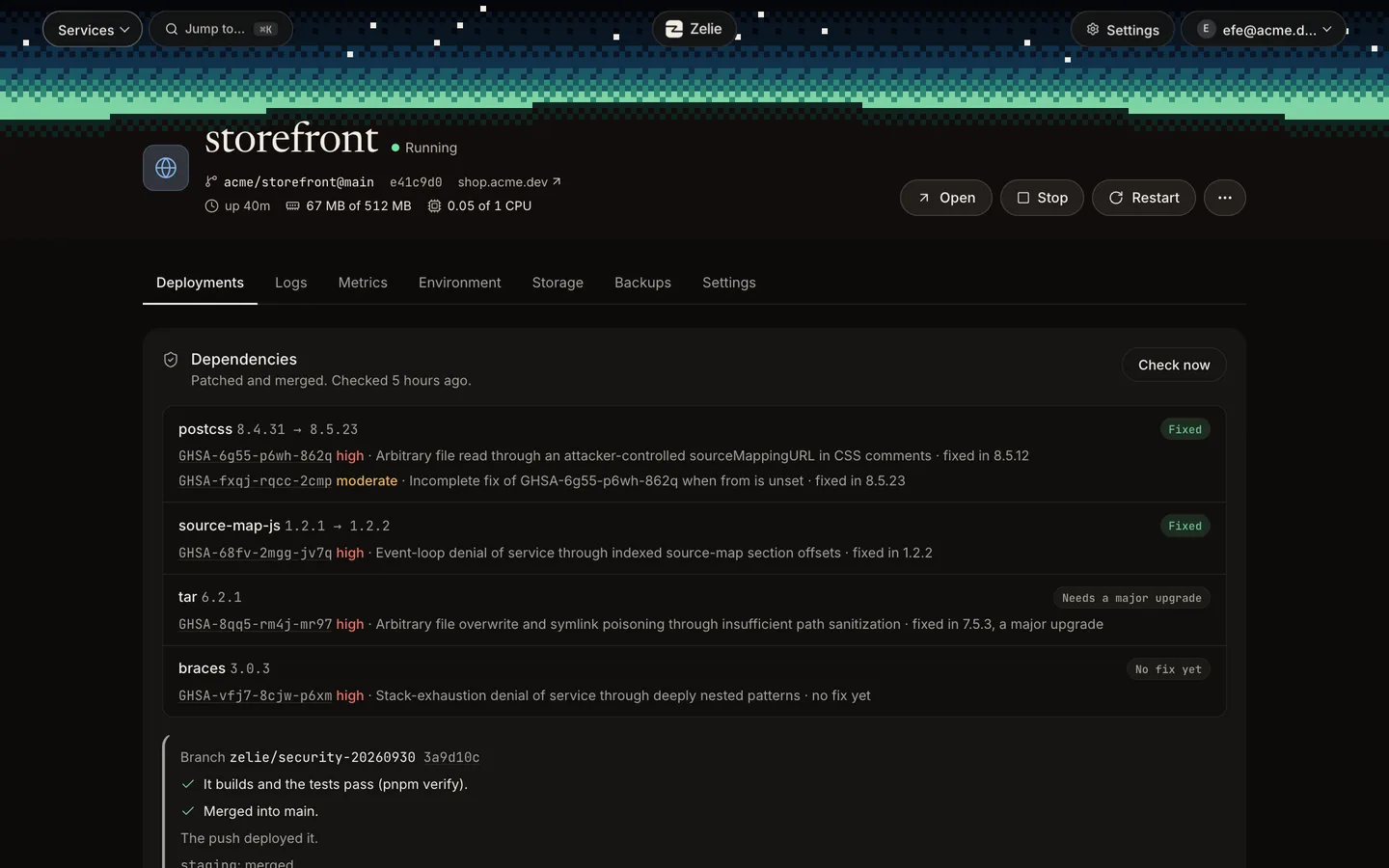
Matches lockfiles against OSV advisories, runs a test build on an isolated branch, auto-merges green fixes, or opens a reviewable PR when tests need attention.
Deploying from GitHub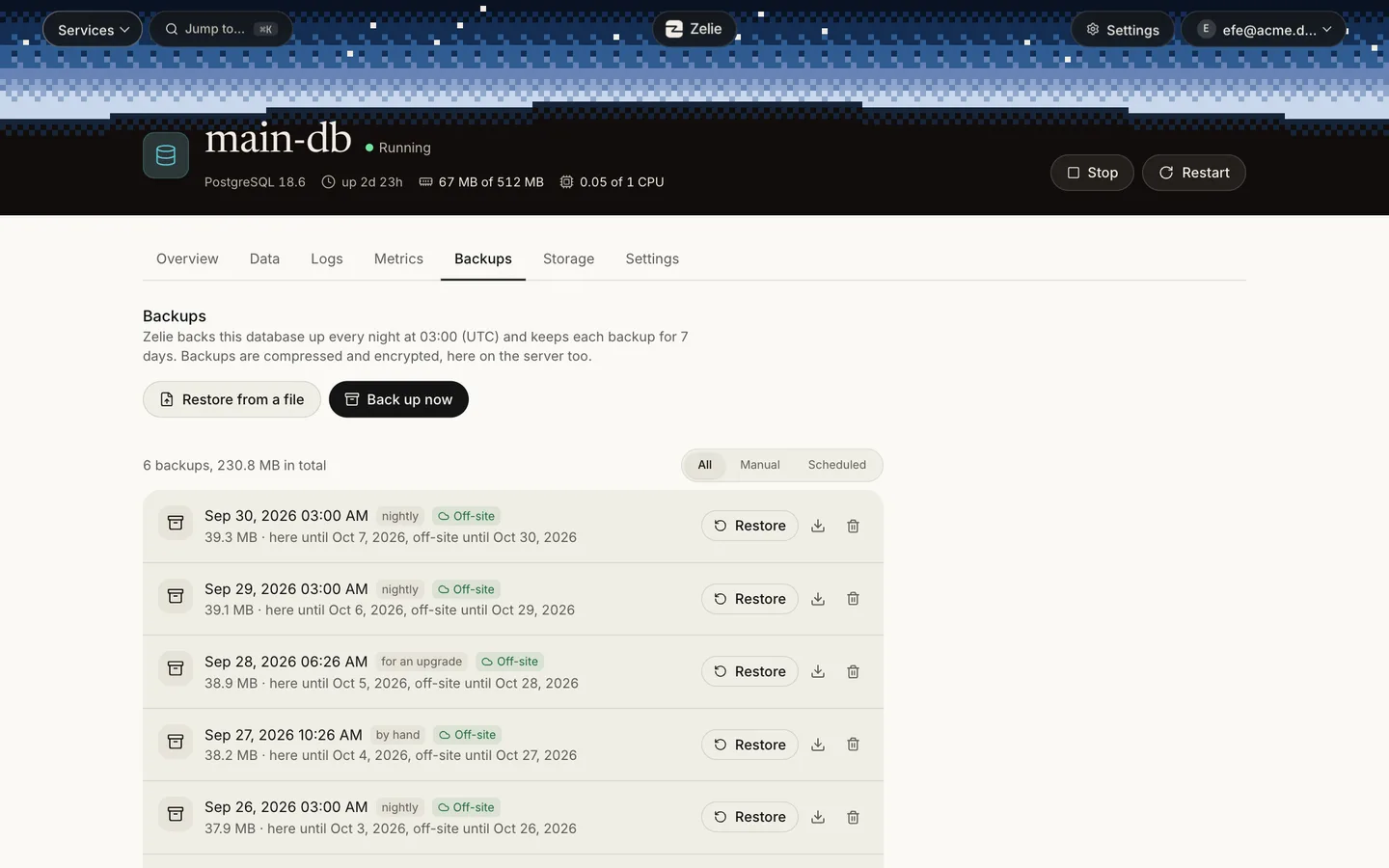
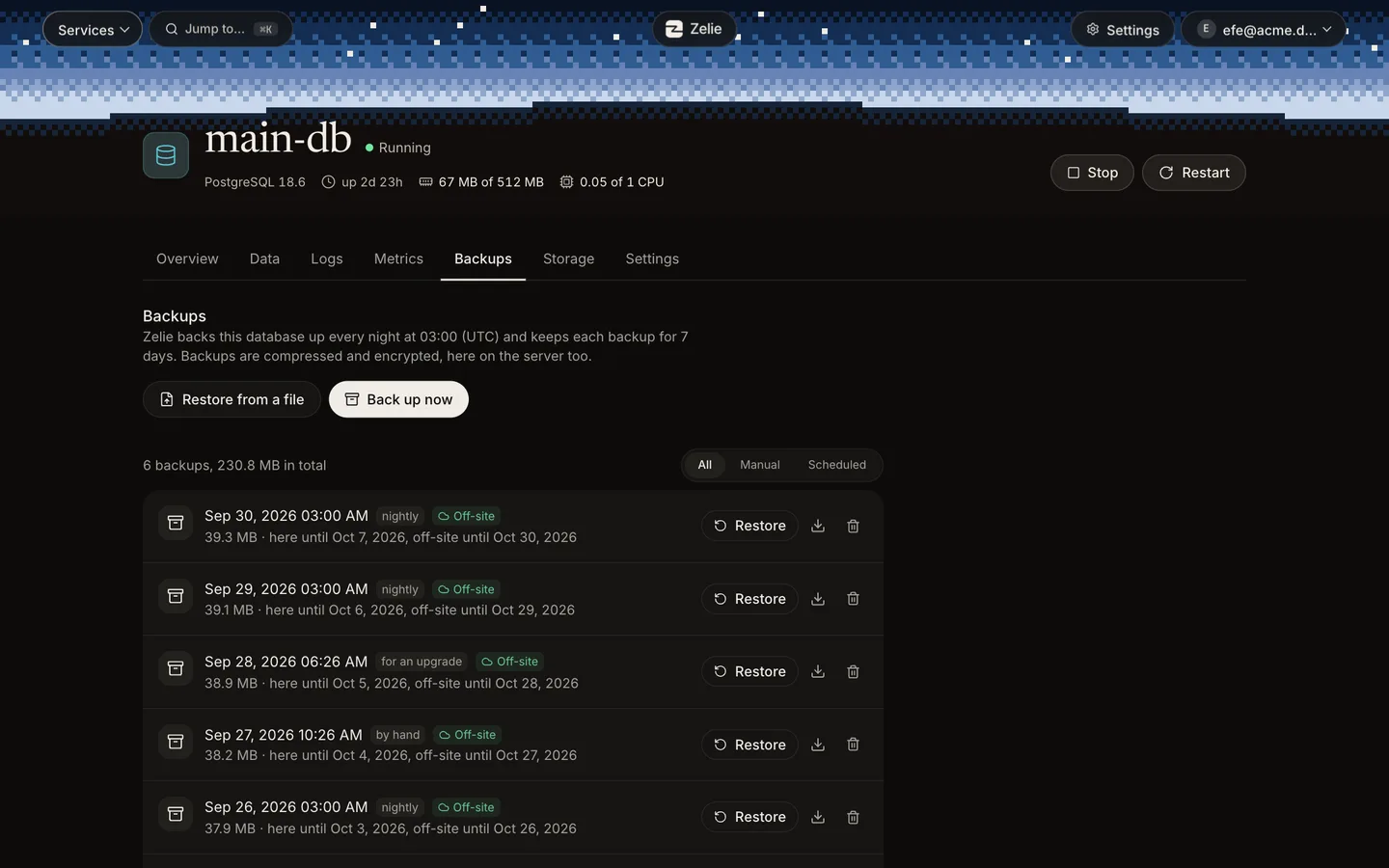
Archives compress and encrypt locally before streaming to any S3-compatible bucket. A standalone recovery file lets another server verify and restore everything cleanly.
Off-site backups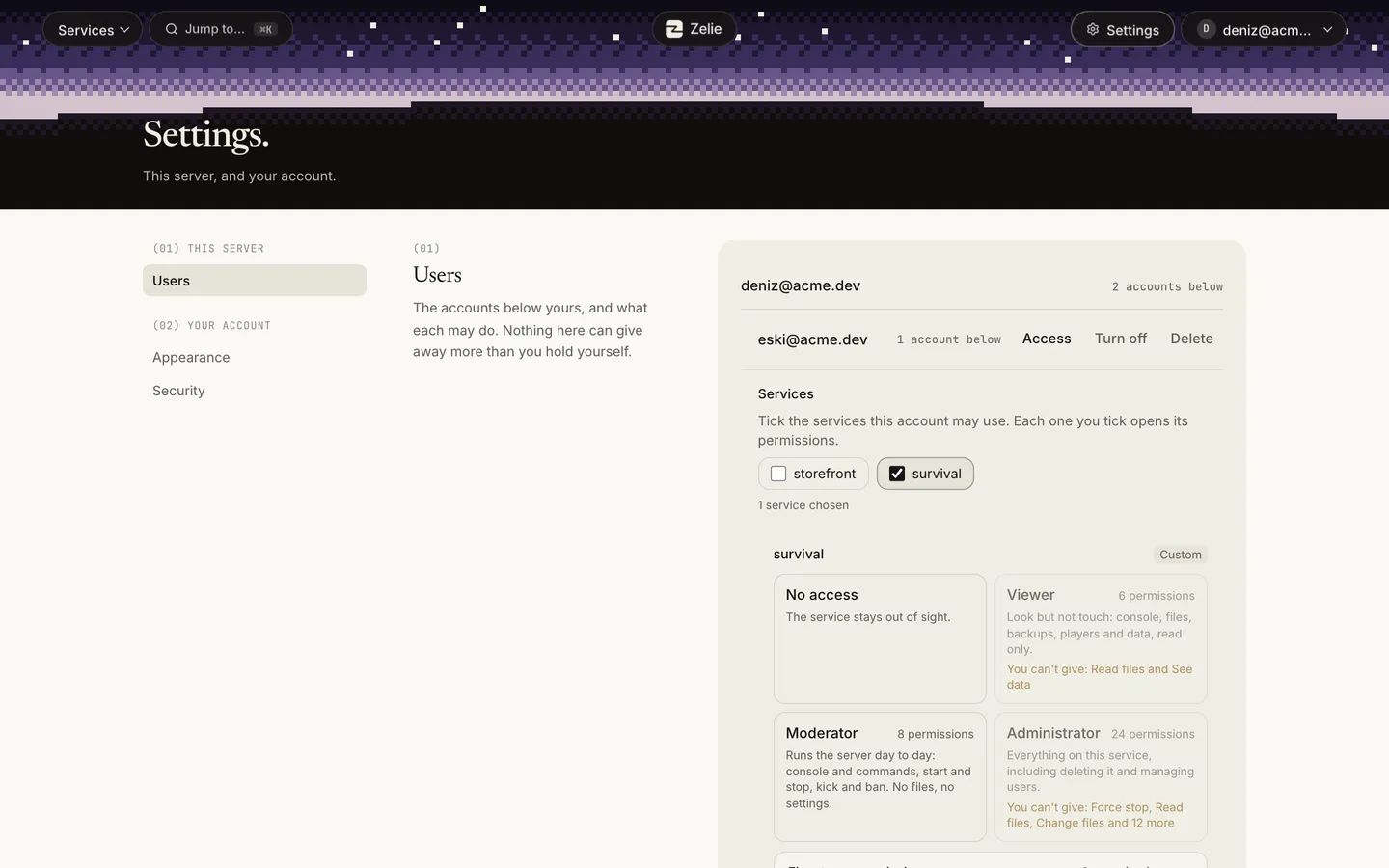
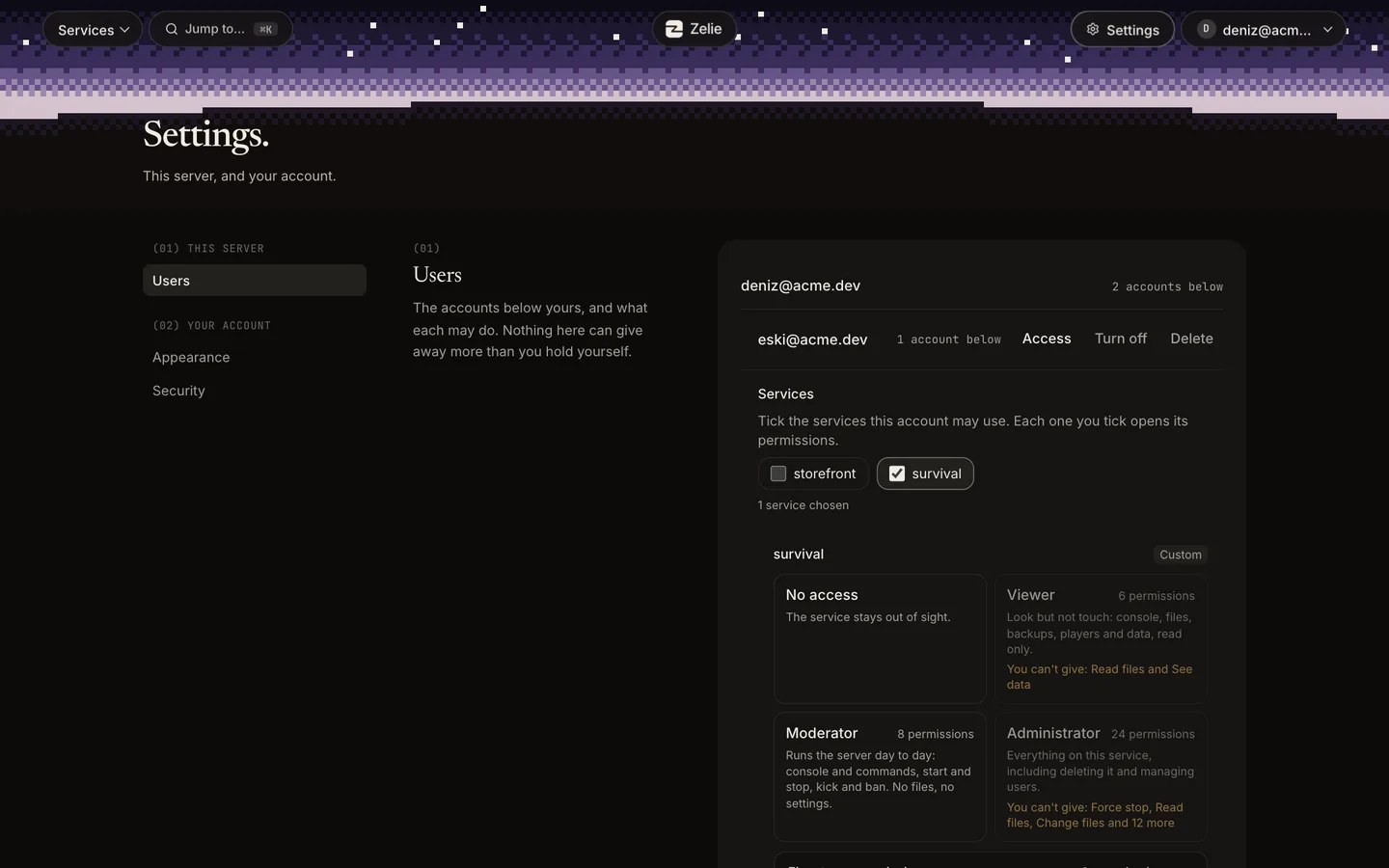
Invite teammates or staff with one-time links and assign per-service Viewer, Moderator or Admin templates—nobody can ever delegate a permission they do not hold.
Feature reference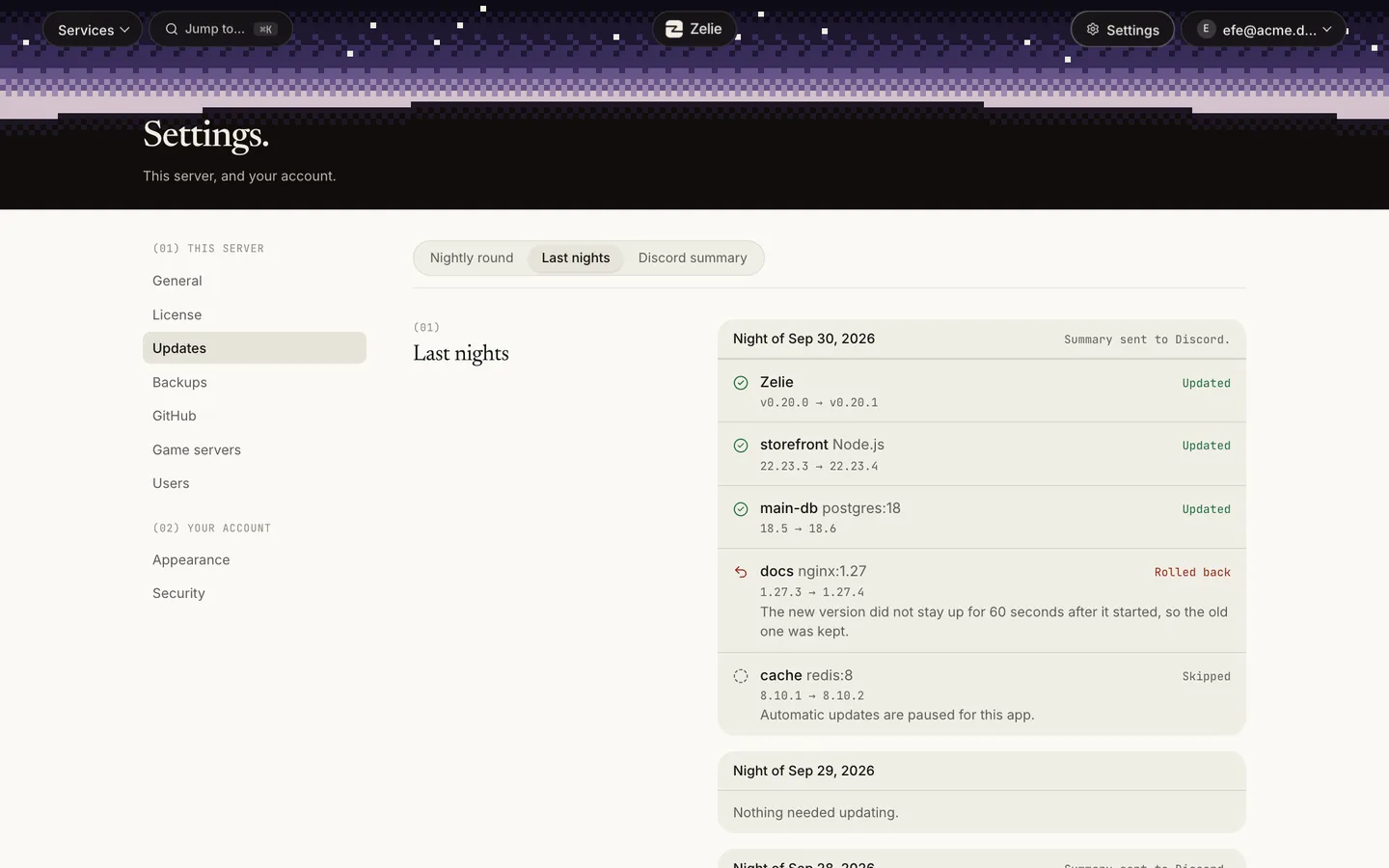
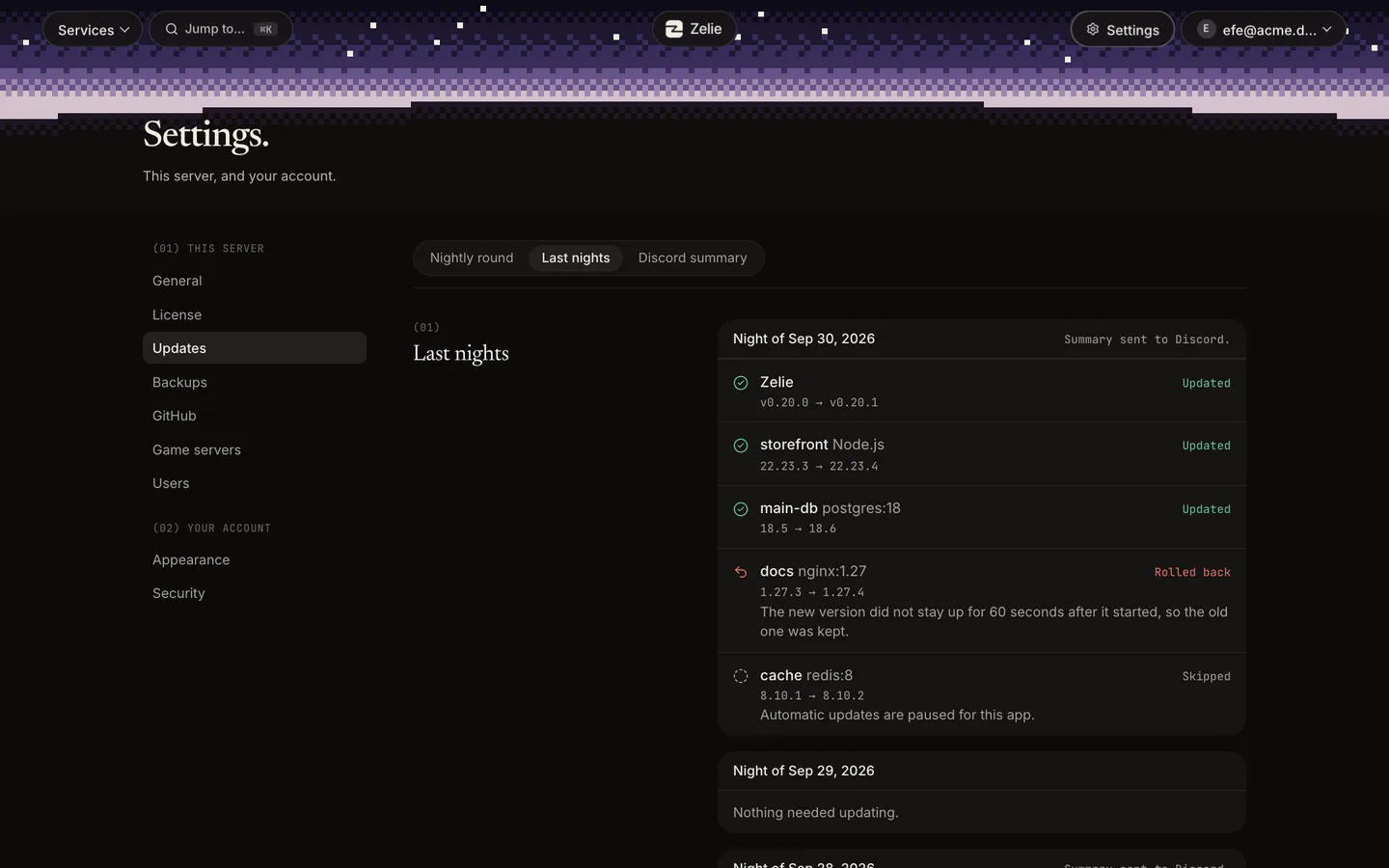
Updates Zelie, Node runtimes and container images without stopping live workloads, waits politely for active backups or builds, and rolls back automatically if a health check fails. Major jumps wait for manual confirmation.
All updates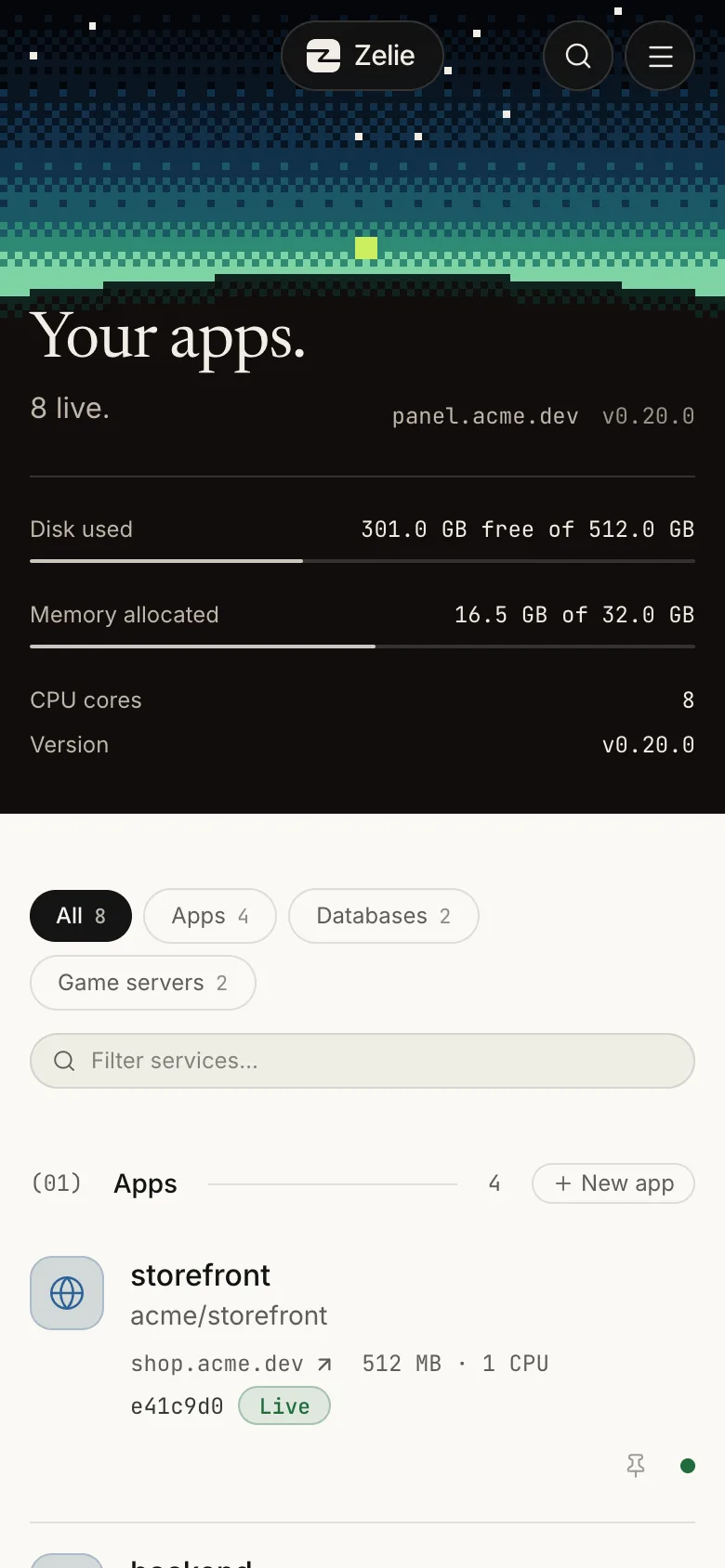
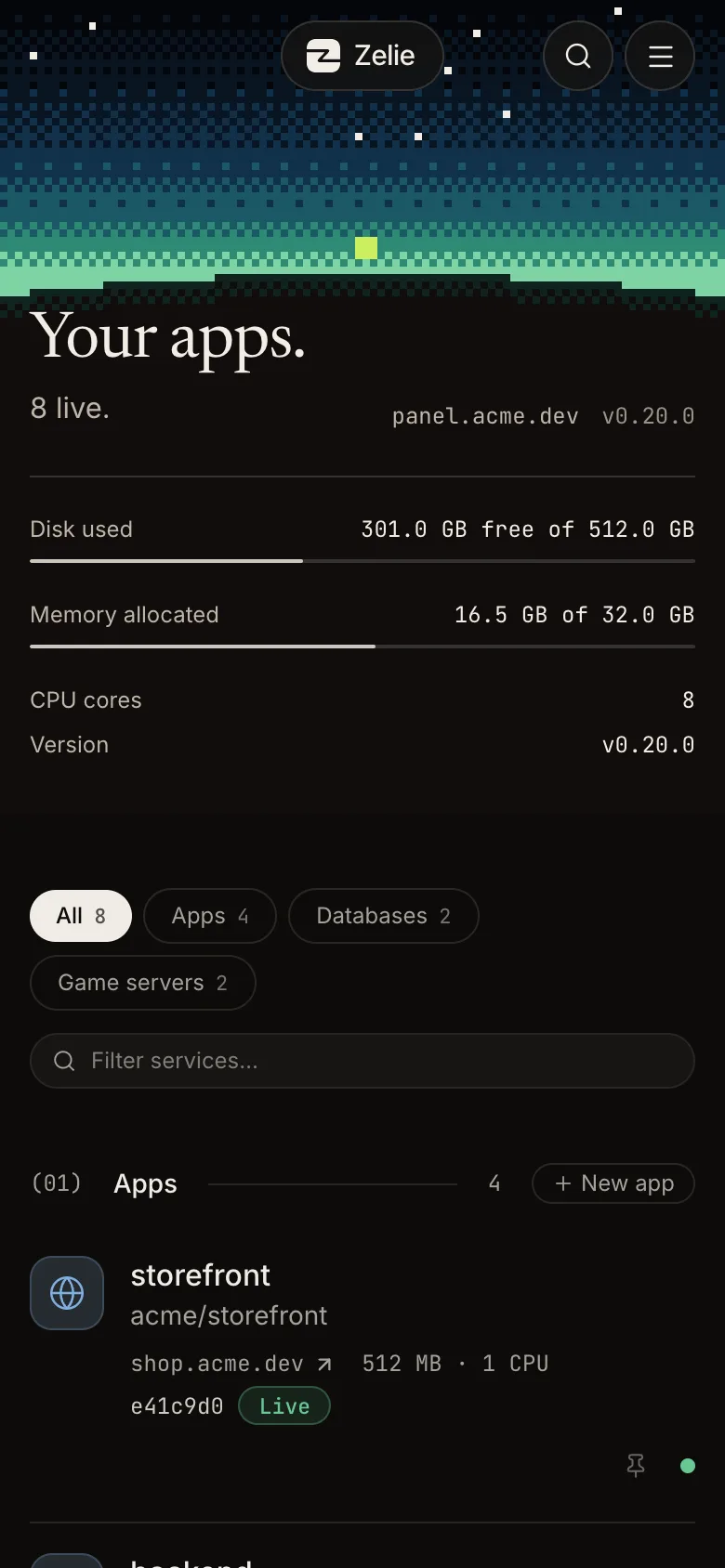
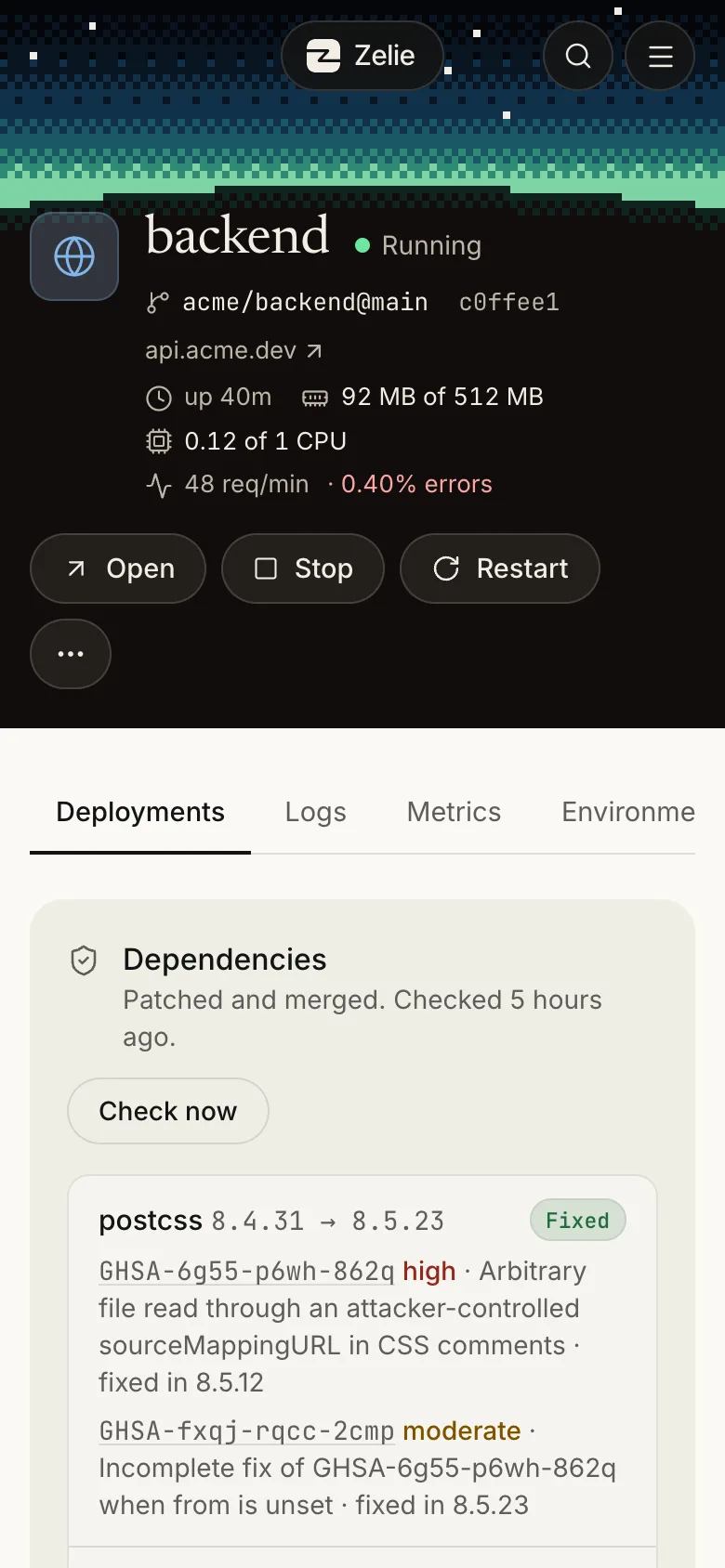
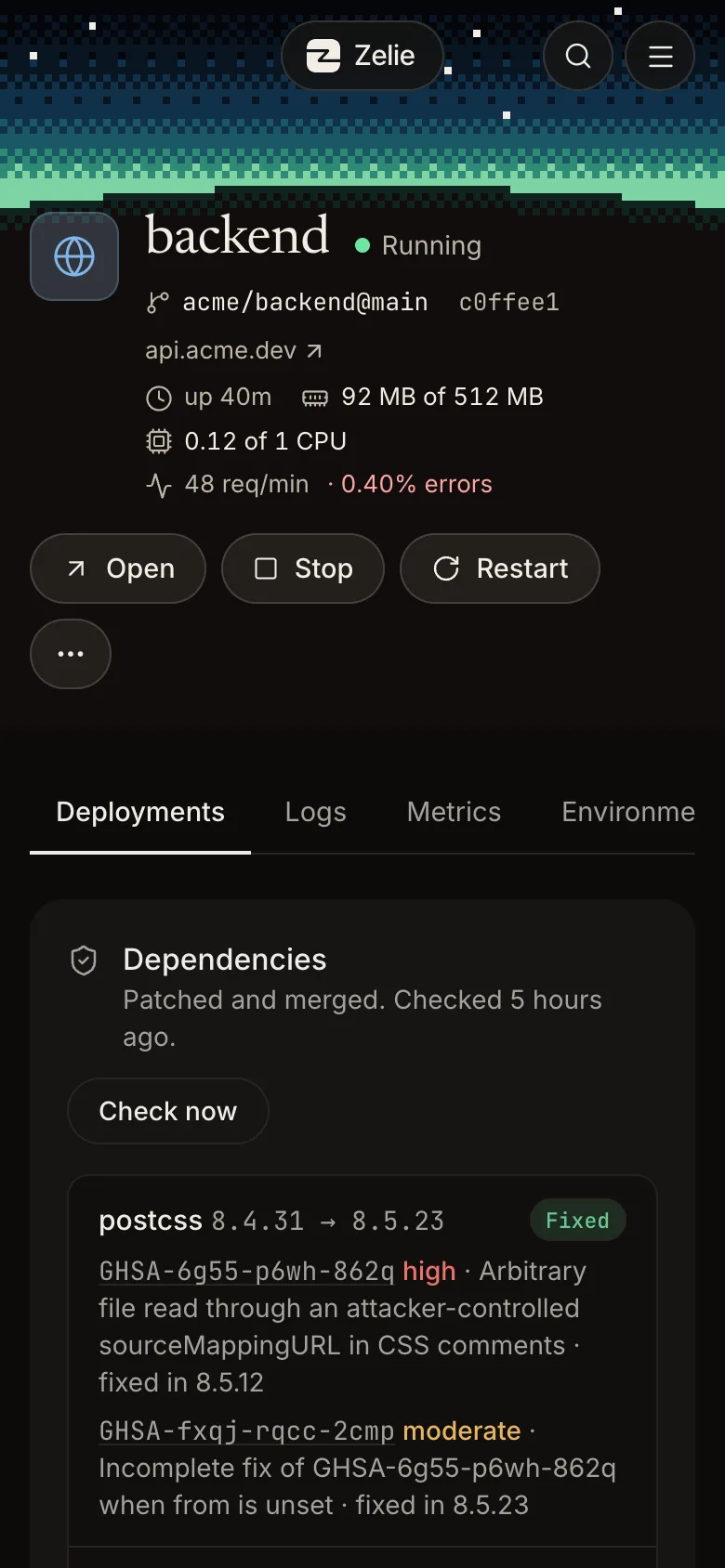
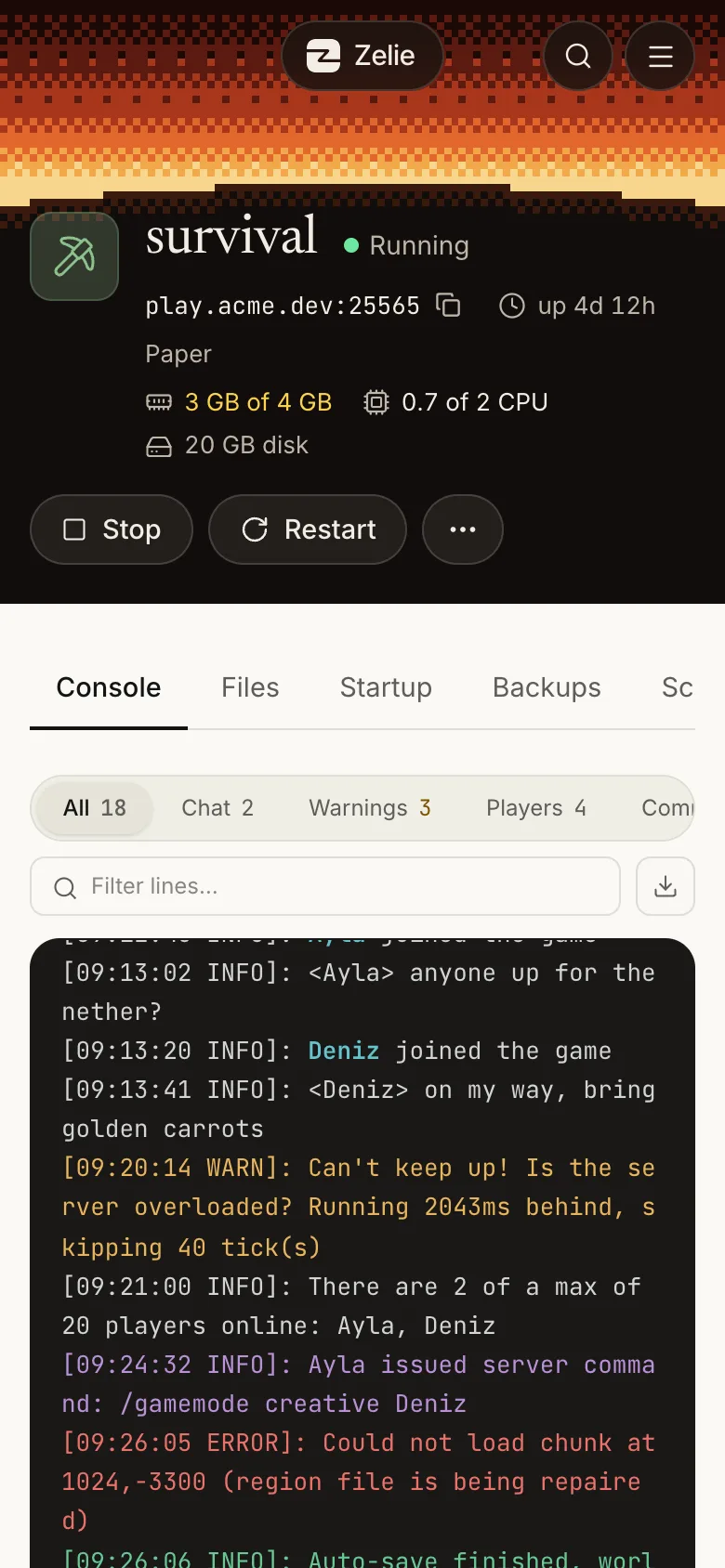
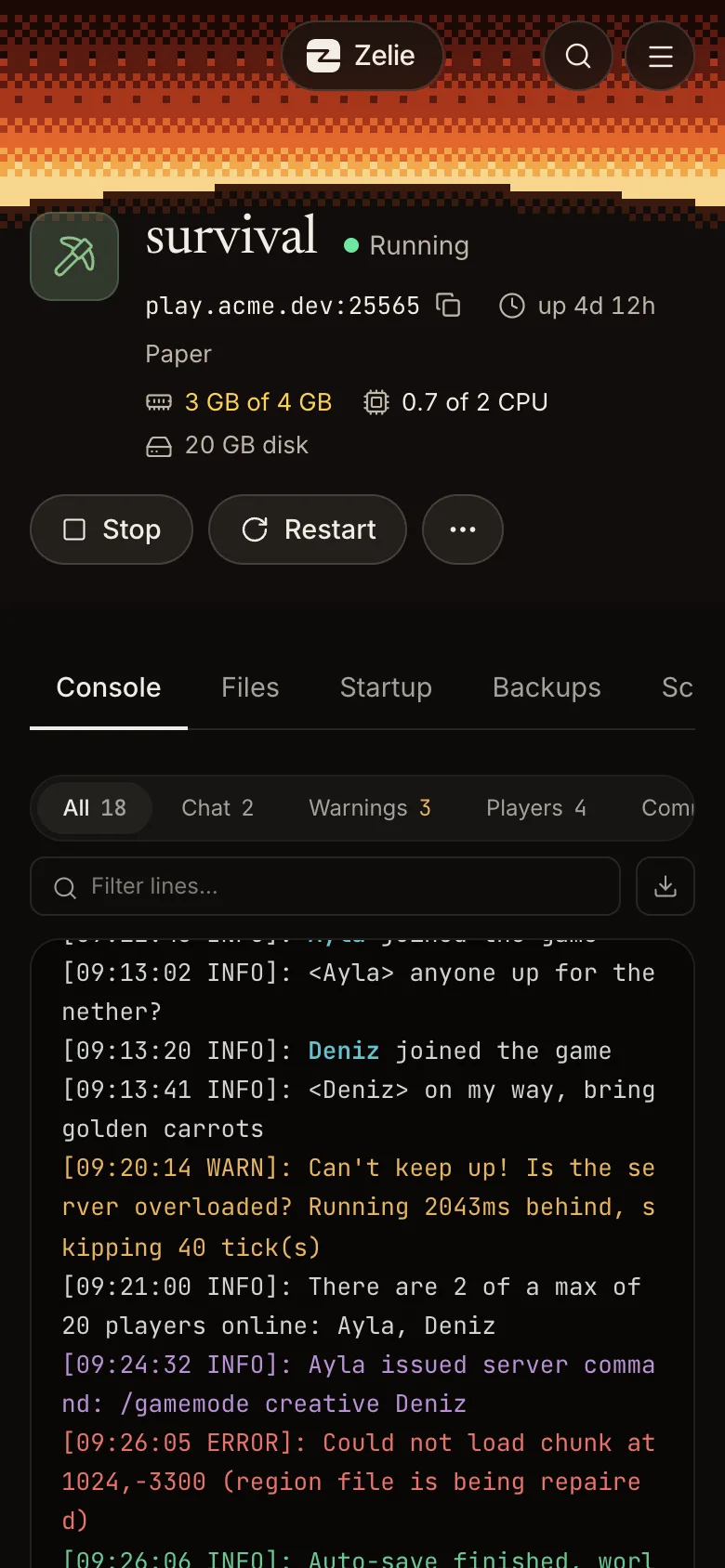
Every workflow—from reviewing an OSV pull request to issuing RCON kicks or tailing a deploy log—works smoothly at phone width without horizontal scrolling.
Small, measured.
Memory on an idle server, and what you install to get there.
One Go binary. No PHP, no Composer and no Docker: it talks to containerd directly.
The SFTP server starts when someone connects and exits after five idle minutes.
Idle memory
Measured by Caria Core
Zelie’s own processes stay under 66 MB, checked in CI on every release; containerd adds about 57 MB on a live server.
The panel about 231 MB and Wings 38 MB on a live server, 24 September 2026, without its database and Docker.
Measured by others
All of Coolify 4.4.6’s containers on an idle test VM, one run. Source
What you install
Zelie itself. It fetches and checks its own container runtime.
The panel, PHP, Composer, a web server, Wings and Docker, plus a database server unless it uses SQLite. Install guide
The panel, PHP, Composer, MySQL or MariaDB, Redis, a web server, Wings and Docker. Install guide
How it compares.
Zelie next to Pterodactyl, Pelican and Coolify as they install by default, checked against their own docs and releases.
Install and upkeep
Install
- Zelie
- YesOne command, a few minutes
- Pterodactyl
- PartlyA long manual guide
- Pelican
- PartlyA manual guide
- Coolify
- YesOne command
No PHP stack to run
- Zelie
- YesOne Go binary
- Pterodactyl
- NoPHP, Laravel, a web server, MySQL and Redis
- Pelican
- NoPHP, Laravel and a web server
- Coolify
- NoPHP and Laravel, with PostgreSQL and Redis
Runs without Docker
- Zelie
- YesIts own containerd
- Pterodactyl
- NoWings needs Docker
- Pelican
- NoWings needs Docker
- Coolify
- NoBuilt on Docker
Updates from the panel
- Zelie
- YesOne click, rolls back by itself if it fails
- Pterodactyl
- NoBy hand, with commands
- Pelican
- PartlyThe panel in one click, since 1.0.0-rc.3 (source)
- Coolify
- YesOne click or automatic
Game servers
Pterodactyl and Pelican eggs
- Zelie
- Yes14 games ready, any other by its link
- Pterodactyl
- Yes
- Pelican
- Yes
- Coolify
- No
Console, files, SFTP, schedules
- Zelie
- Yes
- Pterodactyl
- Yes
- Pelican
- Yes
- Coolify
- No
Players and RCON tools
- Zelie
- YesRust and Minecraft, a player list for some Steam games
- Pterodactyl
- NoOnly paid third-party addons
- Pelican
- NoOnly through community plugins
- Coolify
- No
Safe passwords by default
- Zelie
- YesRCON and admin passwords get a random value
- Pterodactyl
- PartlyAs the egg sets them
- Pelican
- PartlyAs the egg sets them
- Coolify
- No
Steam updates
- Zelie
- YesChecks each hour, updates when nobody plays
- Pterodactyl
- PartlyOn start, if the egg does it
- Pelican
- PartlyOn start, if the egg does it
- Coolify
- No
A game server without a public port
Minecraft proxy (Velocity) network, set up by the panel
- Zelie
- YesForwarding and its secret, written at each start
- Pterodactyl
- NoBungeeCord steps by hand
- Pelican
- NoNot built in
- Coolify
- No
Says why a server crashed
Clone a server with its files and settings
- Zelie
- YesA new, stopped server with new ports
- Pterodactyl
- NoOnly moves a server between nodes
- Pelican
- NoOnly a third-party plugin, which copies no files
- Coolify
- YesApps, with settings, variables and storage; volume data optional (source)
Apps and databases
Deploy from GitHub on push
- Zelie
- Yes
- Pterodactyl
- No
- Pelican
- No
- Coolify
- Yes
Deploys without downtime, one-click rollback
- Zelie
- YesLast five versions kept
- Pterodactyl
- No
- Pelican
- No
- Coolify
- Yes
Automatic HTTPS for apps
- Zelie
- Yes
- Pterodactyl
- No
- Pelican
- No
- Coolify
- Yes
Databases
- Zelie
- YesPostgreSQL, MariaDB, Redis, with a data browser, linkable to game servers too
- Pterodactyl
- PartlyMySQL for game servers
- Pelican
- PartlyMySQL for game servers
- Coolify
- YesMany engines
Browse tables and Redis keys
- Zelie
- YesRead-only, with search and CSV export
- Pterodactyl
- No
- Pelican
- No
- Coolify
- NopgAdmin, phpMyAdmin or Redis Insight as separate services (source)
Database major-version upgrades from the panel
Metrics
- Zelie
- YesRequests, errors, memory and CPU for a day
- Pterodactyl
- PartlyLive memory and CPU
- Pelican
- PartlyLive memory, CPU and disk I/O (source)
- Coolify
- PartlyServer and container usage
Security
Nothing on the network runs as root
- Zelie
- YesThe root part has no port
- Pterodactyl
- NoWings runs as root on a public port
- Pelican
- NoWings runs as root on a public port
- Coolify
- NoReaches servers as root over SSH
Private networks between servers
Secrets the panel cannot read back
- Zelie
- Yes
- Pterodactyl
- No
- Pelican
- No
- Coolify
- No
Encrypted backups to S3
- Zelie
- YesEncrypted on the server
- Pterodactyl
- PartlyTo S3, not encrypted
- Pelican
- PartlyTo S3, not encrypted
- Coolify
- PartlyDatabase and volume backups to S3, SFTP or WebDAV
Sub-users with their own permissions
- Zelie
- Yes
- Pterodactyl
- Yes
- Pelican
- Yes
- Coolify
- YesMembers and tokens per project, environment and resource (source)
Coming later
Several machines from one panel
- Zelie
- Planned
- Pterodactyl
- Yes
- Pelican
- Yes
- Coolify
- Yes
Docker Compose and one-click services
- Zelie
- No
- Pterodactyl
- No
- Pelican
- No
- Coolify
- Yes
Pterodactyl · Full comparison →Pelican · Full comparison →Coolify · Full comparison →
- Yes
- Partly
- Planned
- No
Updated all the time.
The latest releases, from their release notes.
- v0.23.0 · Nov 26, 2026
Extra domains for an app
An app with a domain can have up to 20 extra domains, under Port and domain in its settings. Every one of them reaches the same app, and the app sees which name was asked for in the Host header, so one app can serve several sites.
- v0.22.0 · Nov 25, 2026
One-click self-hosted app templates and security updates
New apps can now be deployed from a built-in template catalog alongside GitHub repositories, container images and files.
- v0.21.1 · Nov 21, 2026
Network group fold stays open
On an app's Settings page, the Advanced part of Network group no longer closes by itself every few seconds. Picking "A new group…" now shows the name field and keeps what you type, so a new group can be made from the panel again.
Three editions
Pricing in fullPro and Business add to the same panel; nothing you use today moves behind a paywall.
Questions
What is Zelie?
A server panel for your own Linux server: apps, their databases and game servers under one login, with backups and updates for all of them.
Can a website and a game server run on the same server?
Yes. Each runs in its own container with its own memory and CPU limits. Sites go through Zelie’s proxy with HTTPS; players connect straight to the game server.
Is Zelie an alternative to Pterodactyl or Pelican?
For one server, yes: the same eggs, plus apps, databases and backups. Several servers from one panel is planned for Business.
How do I get Zelie?
Free is open to everyone. Make an account, take the one-time install command from it and run it on your own Debian or Ubuntu server; the Install Zelie page shows the three steps. Pro and Business, and what each costs, are on the pricing page.