Host Discord bots on your own Linux server
Zelie runs Discord bots on your own Debian or Ubuntu server alongside your websites, databases and game servers. Push to GitHub or upload your bot’s files over SFTP, keep DISCORD_TOKEN sealed, link PostgreSQL or Redis in a click, and let Zelie handle restarts, backups and security updates. It installs from your account as one Go binary, with no Docker to set up.
Updated November 2026
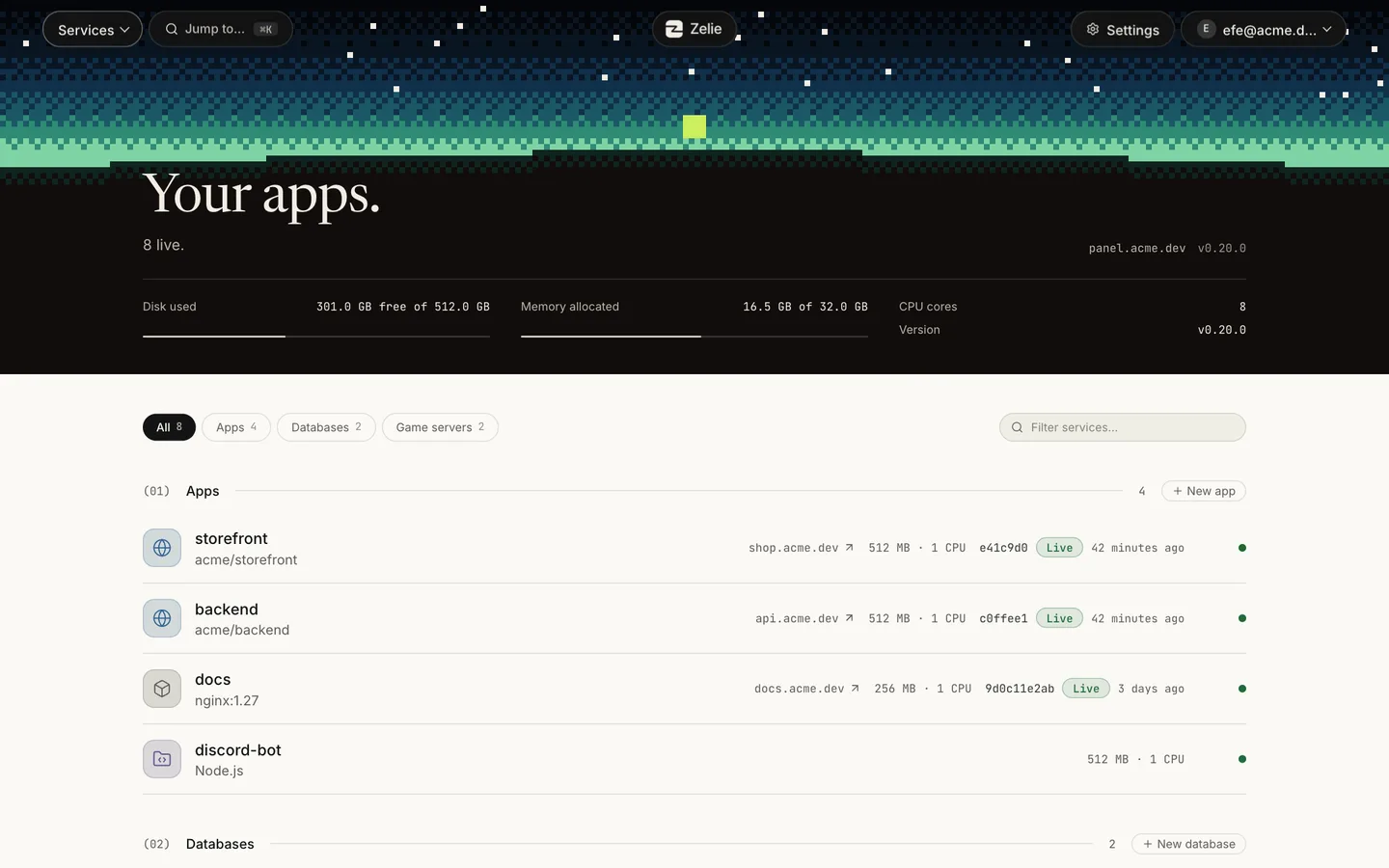
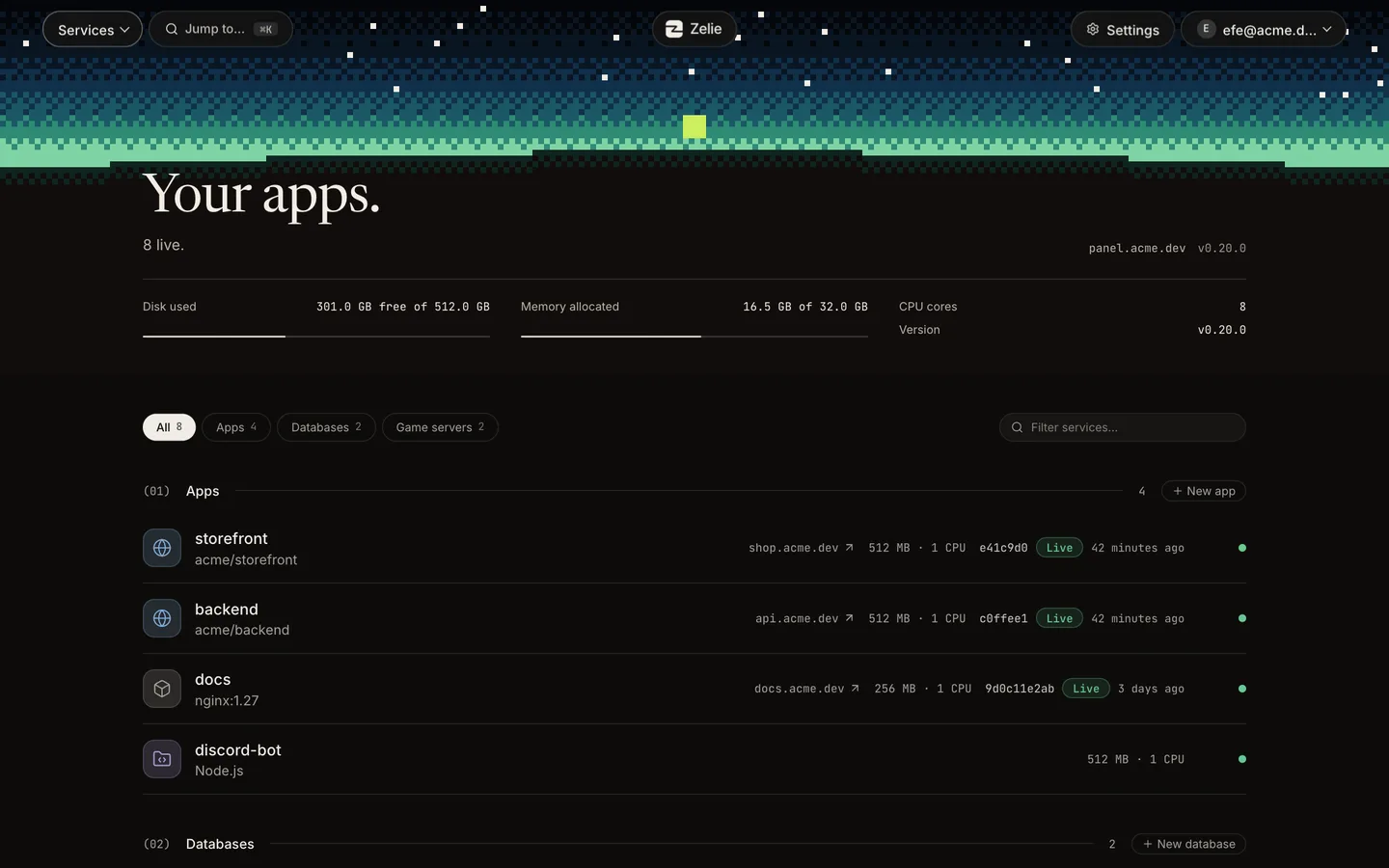
Deploy from GitHub, or drop in plain files
- Push to GitHub
- Connect a private or public repository through a GitHub App in your own account. Zelie builds with your Dockerfile, or uses Railpack to detect Node.js, Python, Go and more without one, and runs your test script before deploying.
- Plain files or SFTP
- For a small bot with no build pipeline, pick Node.js, Python, Bun, Deno or Java and upload the folder in the browser or over SFTP on port 2222. The files are the app.
- A container image
- Run a pre-built public image and let Zelie check the registry once a day, offering the new image whenever its tag moves.
One bot connected at a time, with instant rollback
A web app with a domain and no volumes starts its new container beside the old one, so traffic switches with no downtime. Doing that with a Discord bot would connect two copies to Discord’s gateway at once and make every command answer twice.
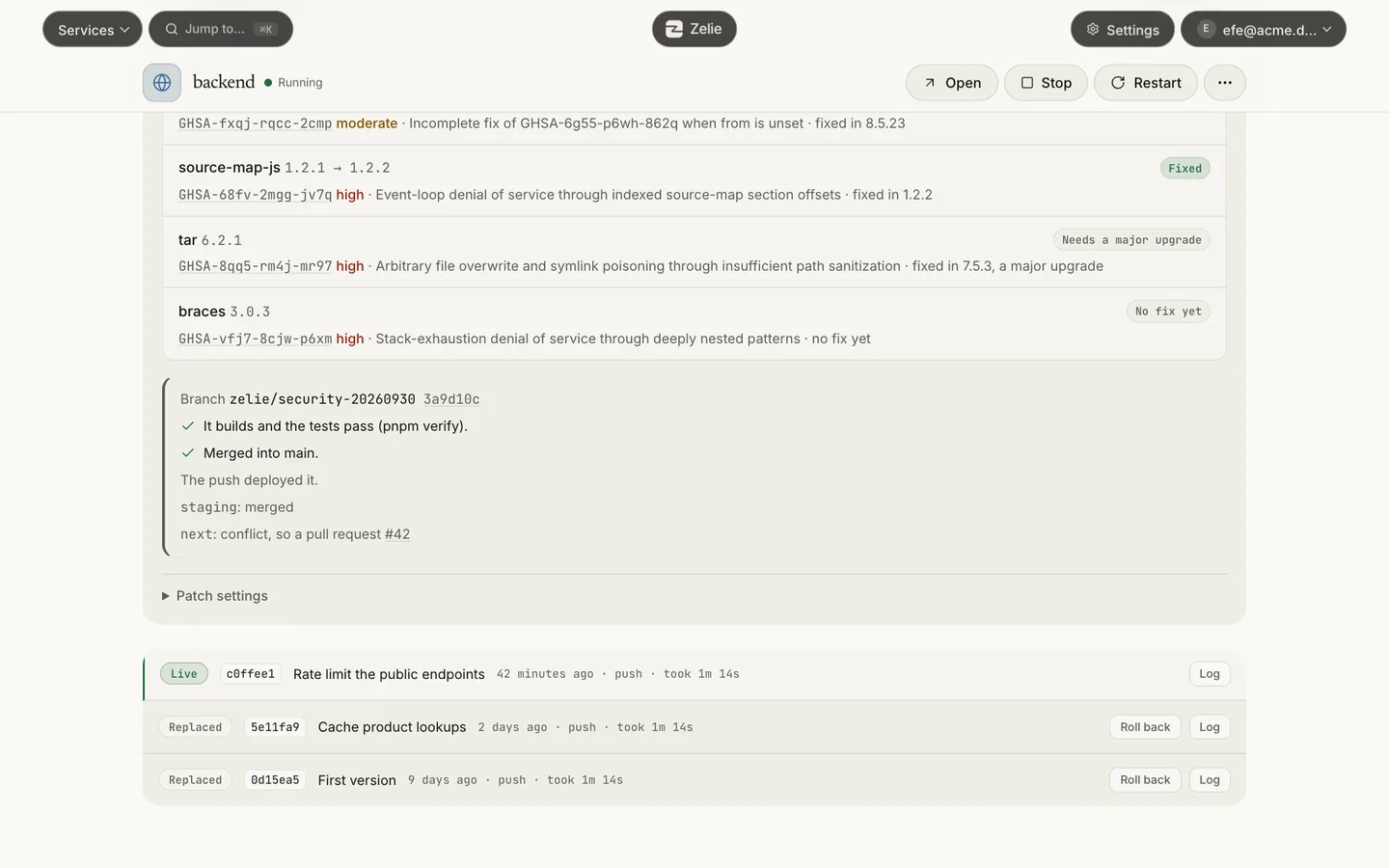
Because a Discord bot runs without a domain, Zelie stops the old container first and then starts the new one. If the new version fails to start, Zelie brings the previous container back automatically. The images of the last five versions stay on the server, so rolling back a bad release takes a click.
Sealed tokens, linked databases and crash protection
- Sealed bot tokens
- Add
DISCORD_TOKENand API keys individually or paste a.envfile. Secrets are sealed as they are saved so the panel cannot read them back, and BuildKit secrets never stay in image layers. - PostgreSQL, MariaDB and Redis
- Create a database in one click and link it to the bot to inject
DATABASE_URLorREDIS_URL. Databases listen on no public port and are backed up every night. - Crash restarts
- If the bot exits unexpectedly, Zelie restarts it with increasing backoff. After five crashes in ten minutes it leaves the bot stopped and shows the last log lines instead of hammering Discord’s gateway.
- Security fixes
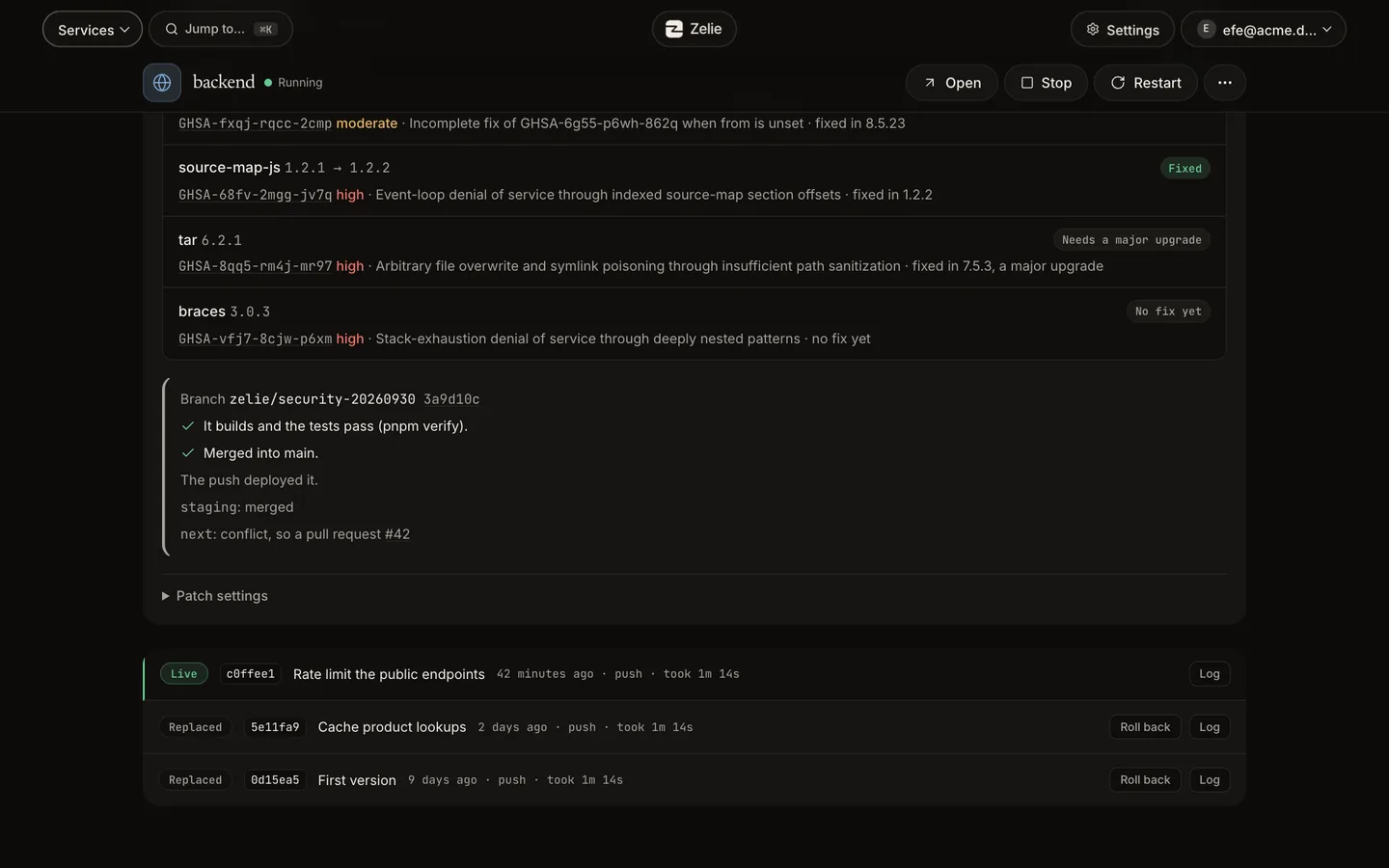
- In the update round, at a time you set, Zelie takes Node security releases at once and tests fixes for vulnerable npm, pnpm and Yarn 1 packages on a branch of their own before merging.
- No open port needed
- Each bot runs in its own container, network and user namespace with memory and CPU limits. It reaches Discord; nothing outside can connect to it.
- Encrypted backups to S3
- The bot’s files on a schedule and its databases every night, compressed and encrypted on the server, with copies in any S3-compatible storage.
Beside your community’s game servers and site
A Discord bot often belongs to a Minecraft or Rust server and a community site. Zelie’s own processes stay under 66 MB of idle memory (~120 MB with containerd), leaving a small VPS free for the bot, its database and the game server itself — all under one login. The hosting panel page shows everything else the panel looks after, and the comparison page how Zelie compares to Coolify, Pterodactyl and Pelican.
Questions
Which languages work for a Discord bot in Zelie?
As plain files, with no build step: Node.js (discord.js), Python (discord.py, Pycord), Bun, Deno or Java. Pushed from GitHub, Railpack works out the build for Node, Python, Go and more without a Dockerfile. Any other runtime works with one.
Will deploying a new commit run two copies of my bot at once?
No. When an app has no domain attached, Zelie stops the running container before starting the new one, so two gateway sessions never overlap. If the new container fails to start, the previous one is started again.
Does a Discord bot need a domain or an open firewall port?
No. Leave the domain empty when creating the app. The bot connects outbound to Discord from its own isolated container with no public port exposed on the VPS.
How do I get Zelie?
Zelie Free is open to everyone and includes up to 3 apps, 3 databases and 3 game servers on your own Linux VPS. Make an account and follow the steps on Install Zelie.
Install Zelie
Zelie is in early development, and Free is open to everyone: make an account and install it on a server of your own. Pro, for your own server too, is on sale now at €4.49 a month or €44.90 a year. Business, for those who sell hosting, follows.