Deploy from GitHub to your own server
Zelie is self-hosted app hosting. Connect GitHub once, and every push builds your app, runs its tests and puts it live on your own Linux server, with a domain, HTTPS and the last five versions ready to roll back. It is one Go binary that installs from your account and needs no Docker.
Updated November 2026
What happens on a push
- 1Build. The code is built in a temporary container. A repository with a Dockerfile is built with it. Without one, Railpack works out the build for Node, Python, Go, static sites and more, and Zelie shows the build and start commands it chose.
- 2Test. The project’s tests run in the new image, in a container of their own, for at most ten minutes. For Node projects Zelie finds the test script itself; any other command can be set. A failing test keeps the old version.
- 3Health check. The new version must pass a health check. An app with a domain must answer HTTP with a status below 500; an app without one must stay up.
- 4Live. Traffic moves over. The commit on GitHub is marked as building, live or failed.
An app with a domain and no volumes starts its new version beside the old one, so the switch has no downtime. Any other app stops the old version first, so two copies never run at once, and starts it again if the new one fails.
If any step fails, the old version keeps serving and the log shows why. The images of the last five live versions are kept, so a rollback takes a second or two.
A GitHub App in your own account
Connecting GitHub creates a GitHub App in your own account or organization, with access only to the repositories you pick. Private repositories work. The App may read code and set commit statuses, nothing else, and its private key is encrypted before it is stored.
- Each push to the app’s branch deploys it, if you leave that on.
- A push only deploys the apps set to that repository and branch, so one GitHub App serves many apps without them getting in each other’s way.
- Every webhook is checked against its secret before anything else, and a delivery that arrives twice is handled once.
- Public repositories deploy without the App, when you start the deployment yourself.
Vulnerable packages, patched on a branch
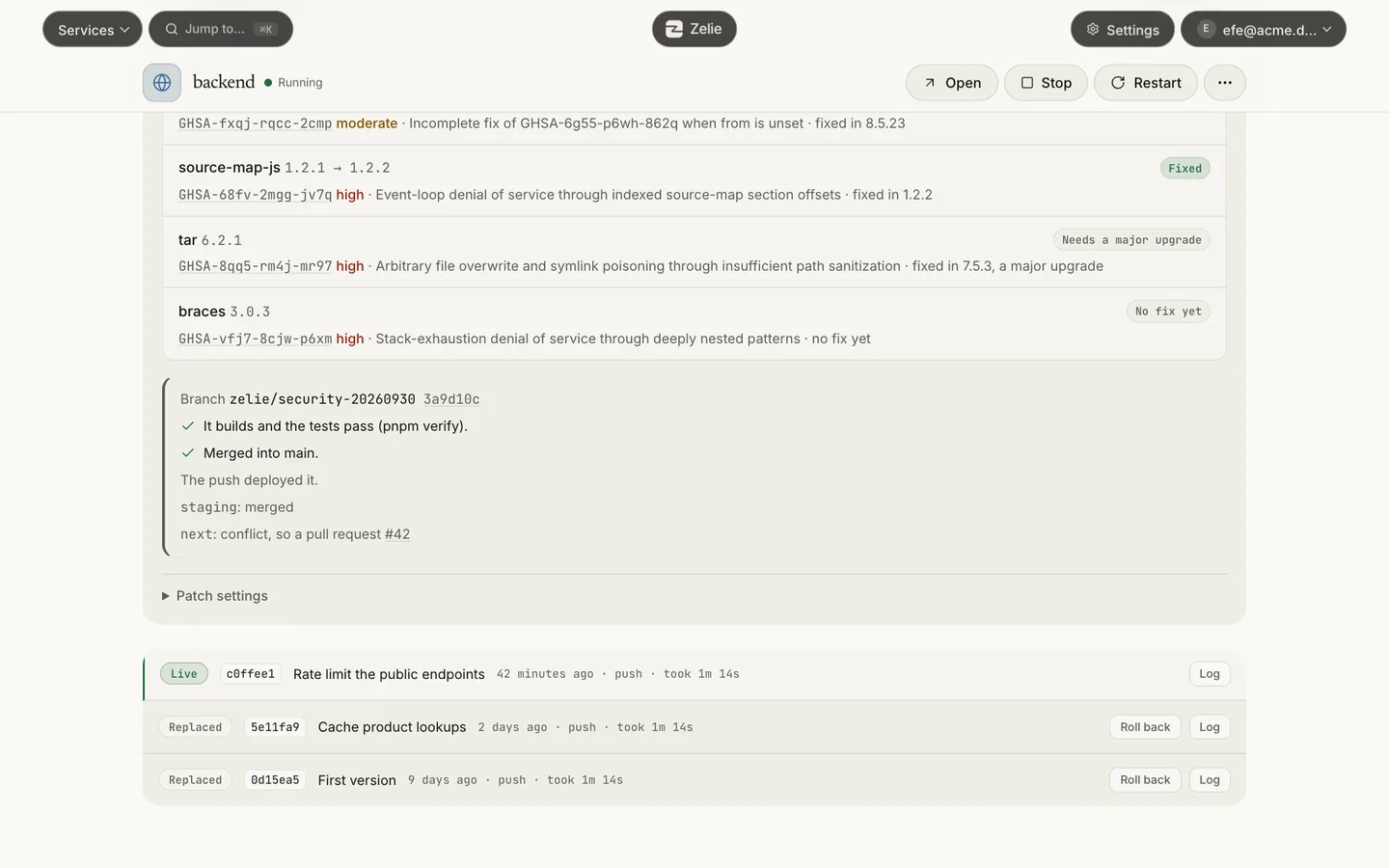
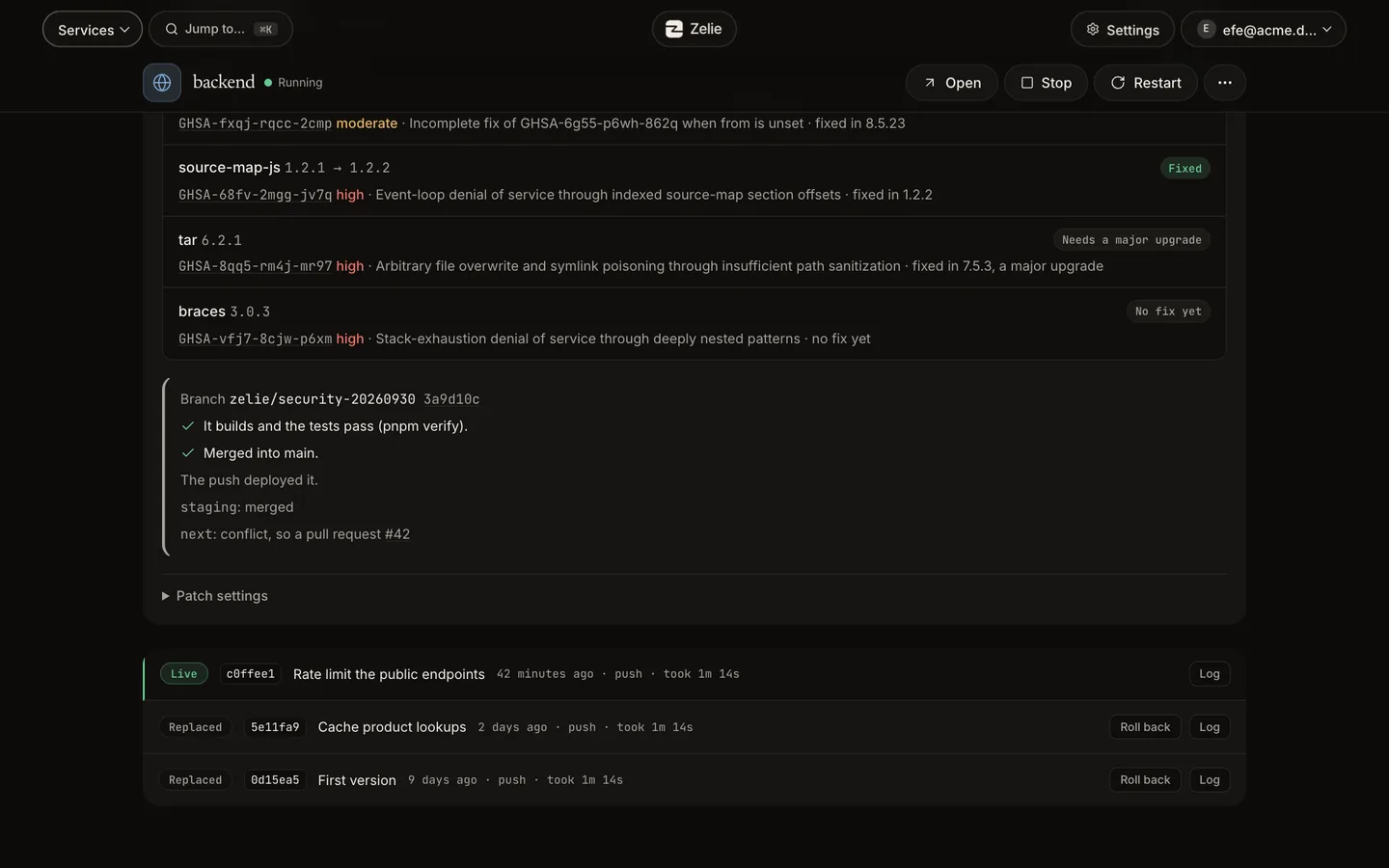
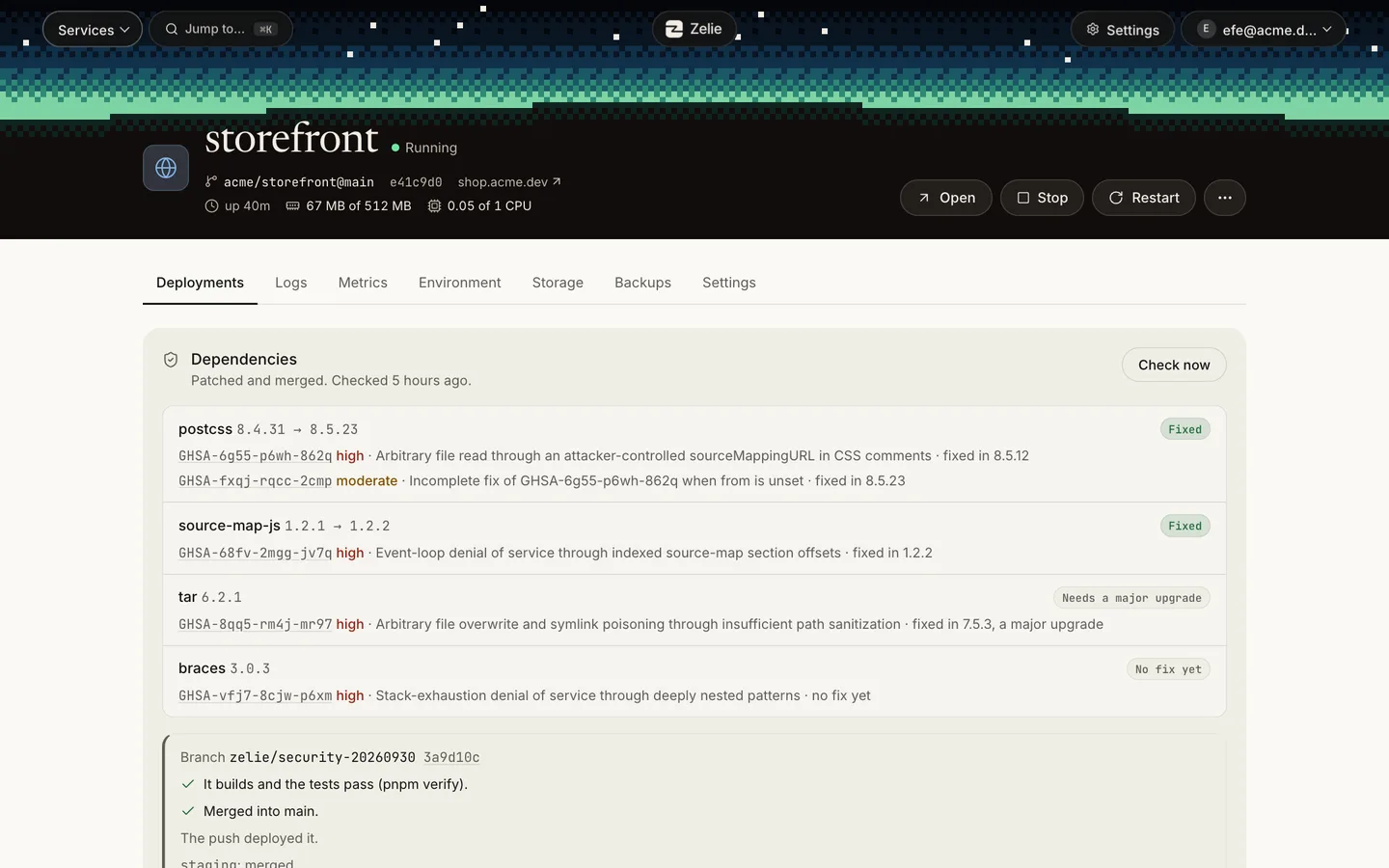
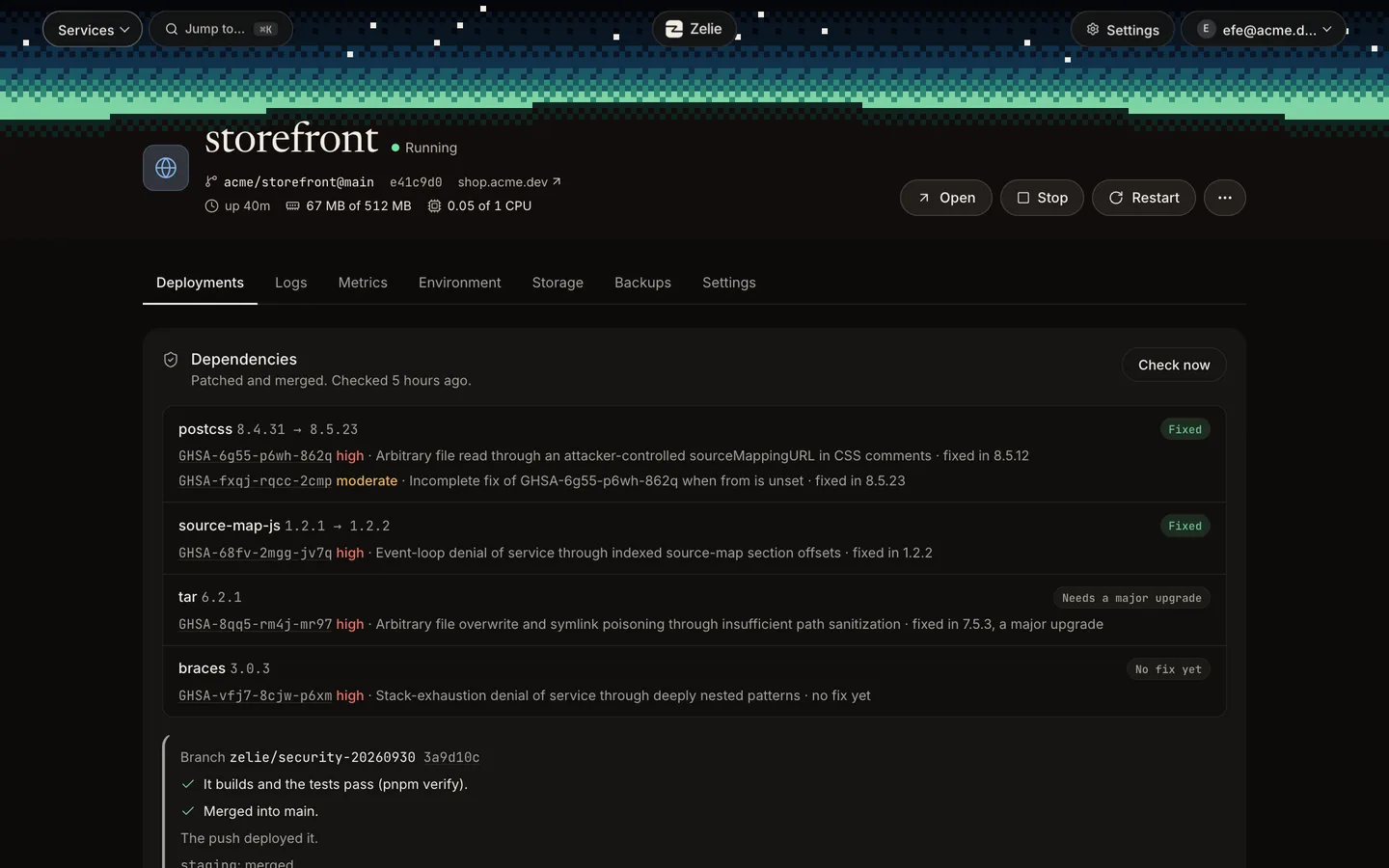
For npm, pnpm and Yarn 1 projects, Zelie looks up known vulnerabilities in OSV. If the fix stays in the same major version, it updates the lockfile on a branch of its own, then builds and tests it. If that passes, it merges and deploys. If not, you get a pull request. Write access for this comes from a separate GitHub App.
Node security releases are taken at once, in the update round at a time you set. Major versions, such as Node 22 to 24, wait for your approval.
Images and plain files too
- A container image
- Any public image, such as
nginx:1.27, with a domain and HTTPS of its own. Zelie checks the registry once a day and offers the new image when the tag has moved. - Your own files
- Pick Node.js, Python, Bun, Deno or Java and upload the files, or send them over SFTP. This suits a Discord bot or a small site. There is no build step here: the files are the app.
What every app gets
- A domain and HTTPS
- Installed with a domain, Zelie gets certificates from Let’s Encrypt. Behind a Cloudflare Tunnel, Cloudflare handles HTTPS and no port is open on the server.
- Variables and secrets
- Plain and secret ones, or a whole
.envfile pasted in. A secret is sealed as it is saved, and builds get variables as BuildKit secrets, which stay out of the image. - Databases beside it
- PostgreSQL, MariaDB or Redis in a click. Linking one gives the app
DATABASE_URLorREDIS_URL, and nothing else can reach it. The Data tab shows its tables, read-only. - Live logs and metrics
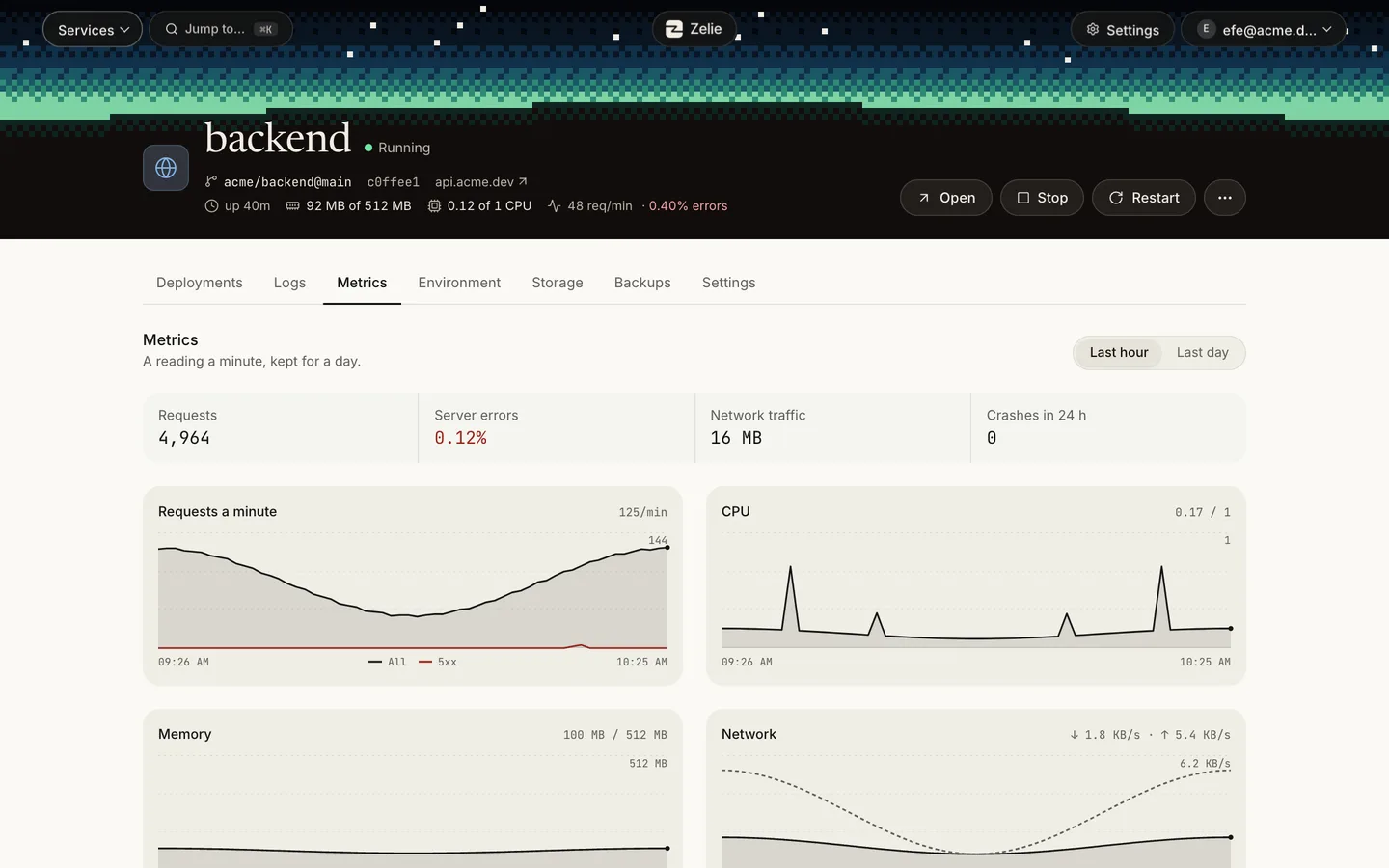
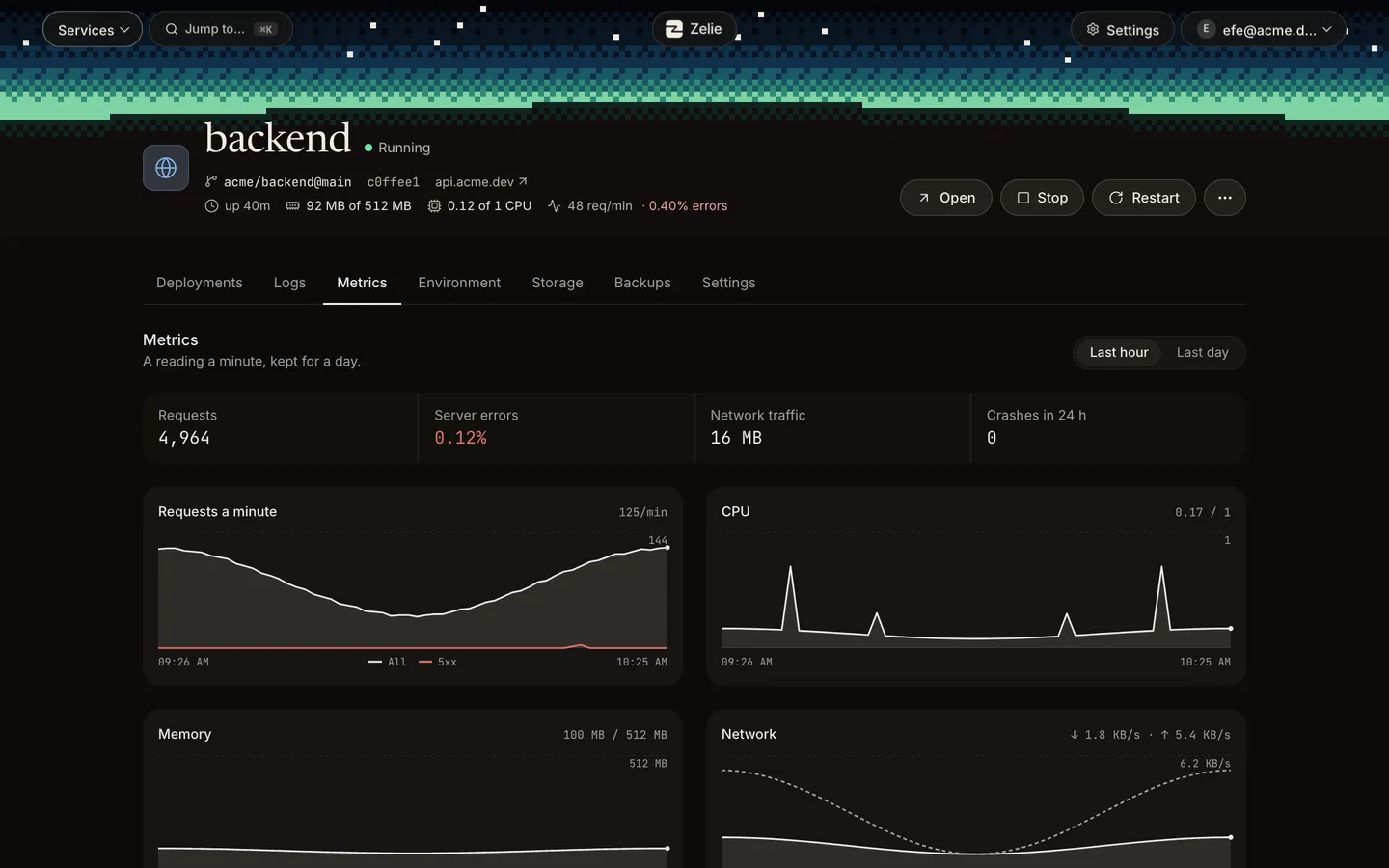
- Build, deploy and app logs as they happen. Requests, server errors, memory, CPU and traffic, a reading a minute, kept for a day.
- Crashes handled
- An app that stops by itself comes back, waiting longer after each crash. After five crashes in ten minutes it stays down and the panel says why.
- Its own container
- Its own network and user namespace, with limits on memory and CPU. Root inside the container is nobody on the server.
On your own server
Zelie is one binary, a download of about 50 MB, with its own containerd and its state in SQLite. Its own processes stay under 66 MB of memory when idle, so a small VPS has room for the apps. It runs on Debian or Ubuntu, amd64 or arm64, and the same panel can run game servers next to your apps. The hosting panel page shows everything it looks after, and what it does not do. How it differs from Coolify is in the comparison.
Deploying on every push needs GitHub to reach the panel, which it can with a domain or a Cloudflare Tunnel. Each app is one image, one Dockerfile or one folder of files; Docker Compose files are not read.
Questions
Can Zelie deploy private GitHub repositories?
Yes. Zelie creates a GitHub App in your own account or organization with access only to the repositories you choose, and private ones work through it.
Do I need a Dockerfile?
No. With a Dockerfile, Zelie builds with it. Without one, Railpack works out the build for Node, Python, Go, static sites and more, and you can replace the build and start commands it chose.
What if a deploy breaks the app?
A new version only takes traffic after it builds, passes its tests and answers its health check. If it fails, the old version keeps serving. Any of the last five live versions can be rolled back to in a click.
Does it need Docker on the server?
No. Zelie brings its own containerd and builds with BuildKit inside an ordinary Zelie container. If Docker is already on the machine, Zelie leaves it alone.
How do I get Zelie?
Free is open to everyone: make an account and install Zelie on a server of your own. Install Zelie shows the steps. Pro, for your own server too, and Business, for those who sell hosting, are on Pricing, with what each costs.
Install Zelie
Zelie is in early development, and Free is open to everyone: make an account and install it on a server of your own. Pro, for your own server too, is on sale now at €4.49 a month or €44.90 a year. Business, for those who sell hosting, follows.